Setup
54 ©2021 CAE 905K720652 v1.0
CAESimEquip
1. Tap the Modify address button.
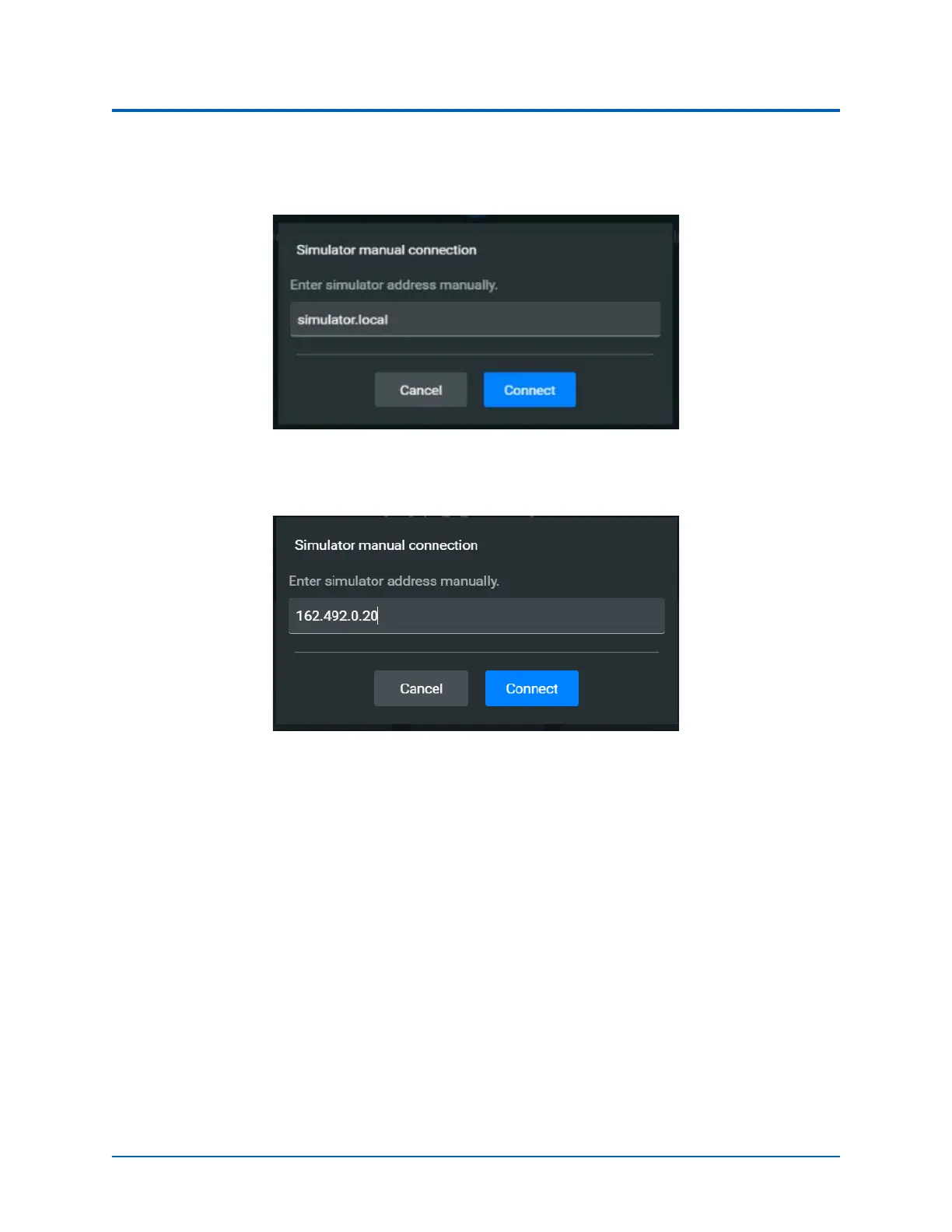
The Simulator Manual Connection Window will appear.
Simulation Manual Connection Window
2. Enter in the IP address for the Instructor tablet.
Enter the IP address for Instructor Tablet
To identify the IP address:
a. Tap the Network icon located in the lower-right corner of the screen in the taskbar.



 To Next Page