©2021 CAE 905K720652 v1.0 61
Appendix B - Sofware Upgrades
APPENDIX B - SOFTWARE UPGRADES
Upgrading Maestro
On occasion, it may be necessary to upgrade the version of Maestro on the patient simulator or on a
computing device. An error message may be displayed indicating an incompatibility issue which
would prompt the upgrade.
For information on downloading the software for updates to the simulator or computing device visit:
https://caehealthcare.com/support/software-updates/maestro/
Upgrading SimEquip
When updates are provided for the SimEquip application and the SimEquip computer is connected to
the Internet, the software will automatically detect an update. If the SimEquip computer has been
disconnected from the Internet for a period of time, it is suggested to check for updates. The status
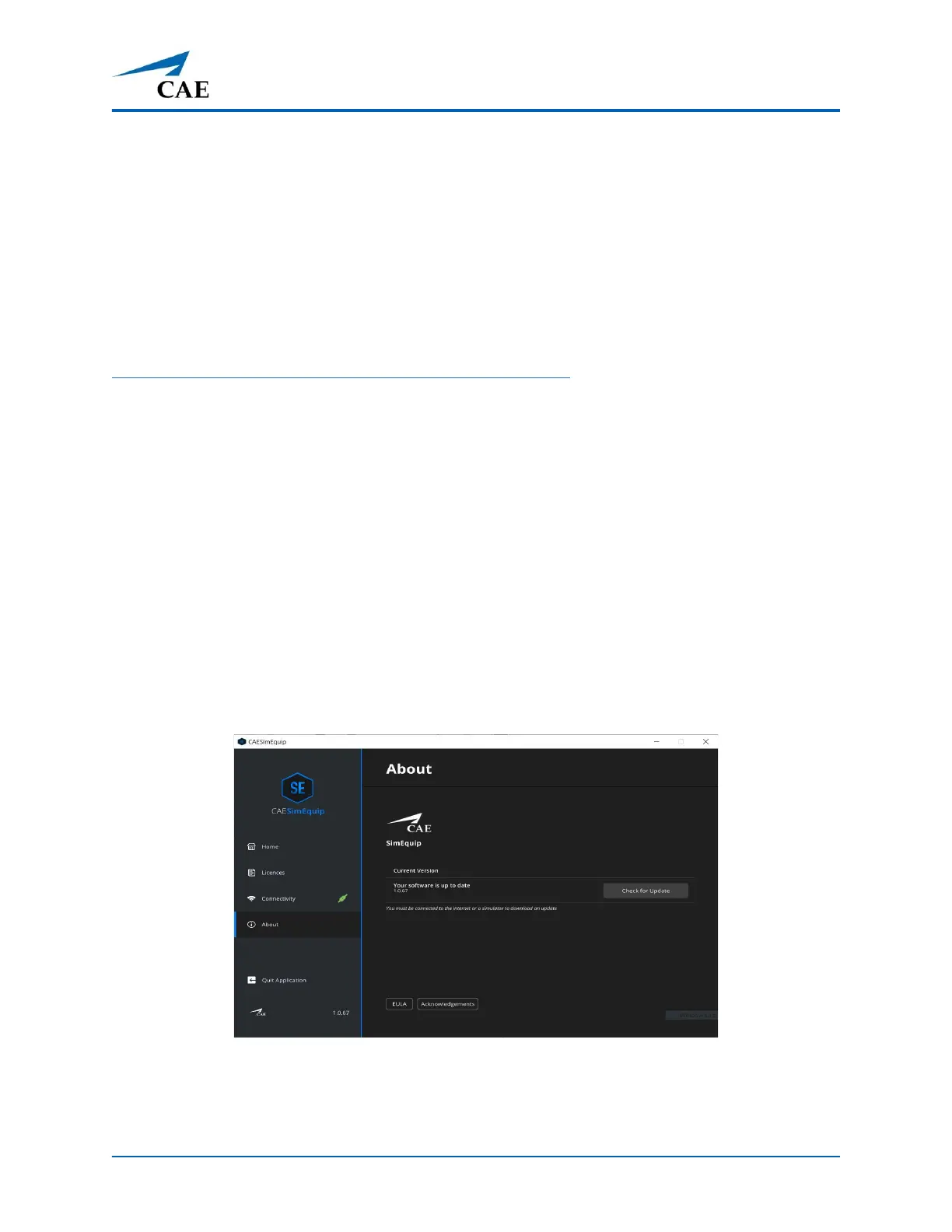
of the software will be reflected on the SimEquip About window.
To check the version status and updates of the SimEquip software:
1. Verify that the computer is connected to WiFi.
2. From the SimEquip Home screen, tap the About option on the left panel.
The About window will appear. The version number and status, indicating that the
software is up to date, will be displayed.
SimEquip About Window
3. In the event the software is not up to date or the computer has been disconnected from
the WiFi for a period of time, tap the Check for Updates button.



 To Next Page