68 — Machinist calc
®
Pro 2
APPENDIX D – BASIC CALCULATOR
FUNCTIONS AND DIMENSIONAL
MATH OPERATIONS
ENTErING DImENSIONS
Note: Unlike other Calculated Industries/Construction Master
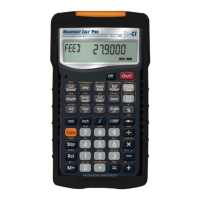
calculators, the does not have a dedicated Feet
key. Feet is a secondary function located above the 7 key, so you
have to use the g key, then 7 to enter or calculate dimensions
using Feet. Below are some examples.
2 Feet
2g7
2 FEET
2 square Feet
g7
2 SQ FEET
2 cubic Feet
g7
2 CU FEET
2g73i
2 FEET 3 INCH
Linear Dimensions
(press O after each entry):
23 mils
23B
4.5 Inches
4.5i
95 millimeters
95m
1,320 Feet
1320g7
201 meters
201g9
Square and Cubic Dimensions
(press O after each entry):











 To Next Page