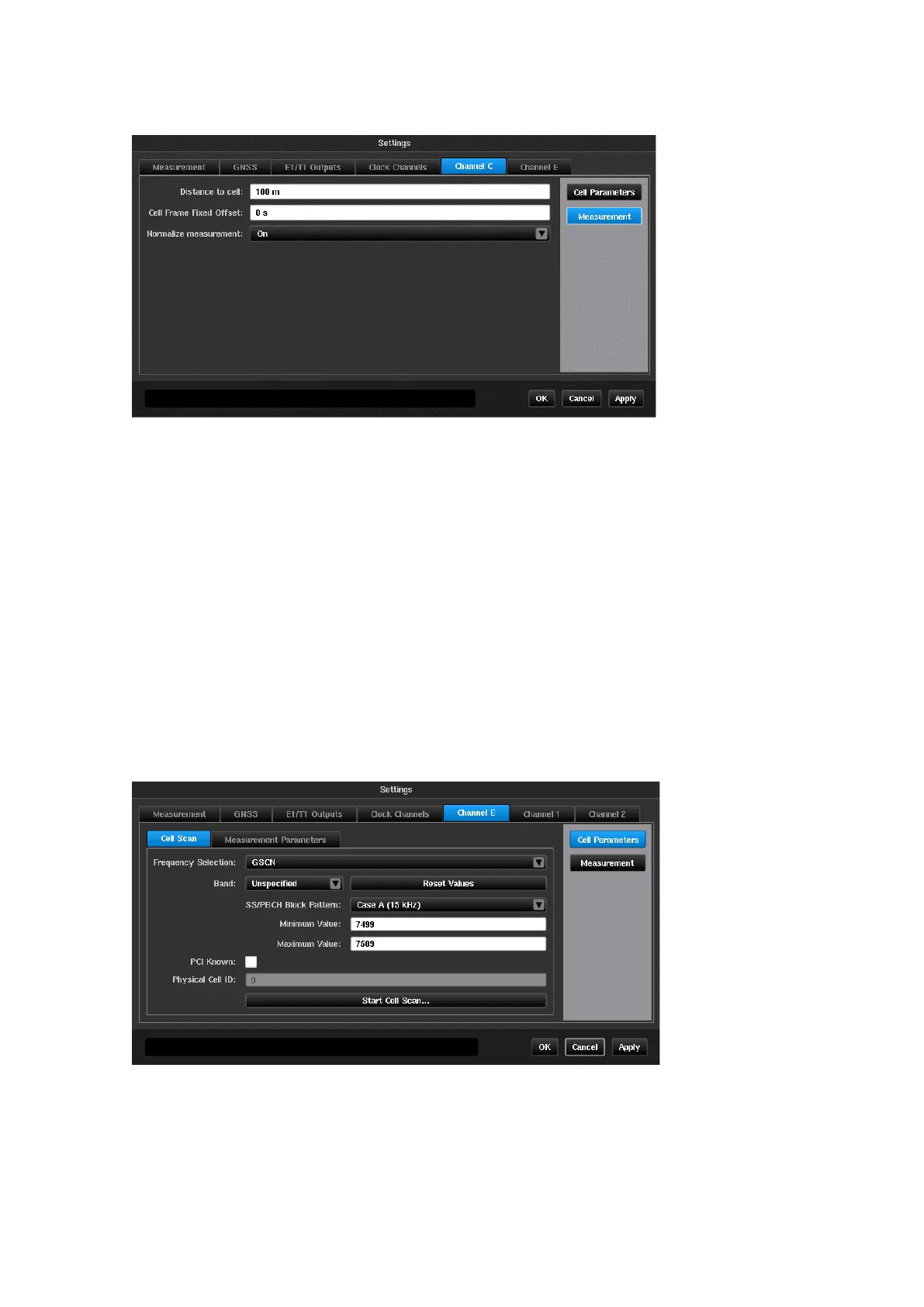
When set to
On
, TE samples are normalised relative to the first sample i.e.,
the value of the first TE sample is zero. In this mode TE variation is displayed
on the TIE graph.
When set to
Off
, no TE normalization is applied i.e., the TE graph displays
absolute delays (including propagation delay, time offset between Master and
Sentinel, and other time inaccuracies in the system).
Channel
X
(OTA-NR)
Selecting OTA-NR in the Mode screen will enable a Channel
X
tab to be presented in the Settings screen.
Cell Parameters
Cell Scan
This allows the frequency of the NR RF signal to be entered, either as
the GSCN or nrARFCN or directly as an absolute frequency. Valid range
is 350 MHz to 6 GHz.



 To Next Page