Using Sentinel
CX3001 v7.0 © Calnex Solutions 26
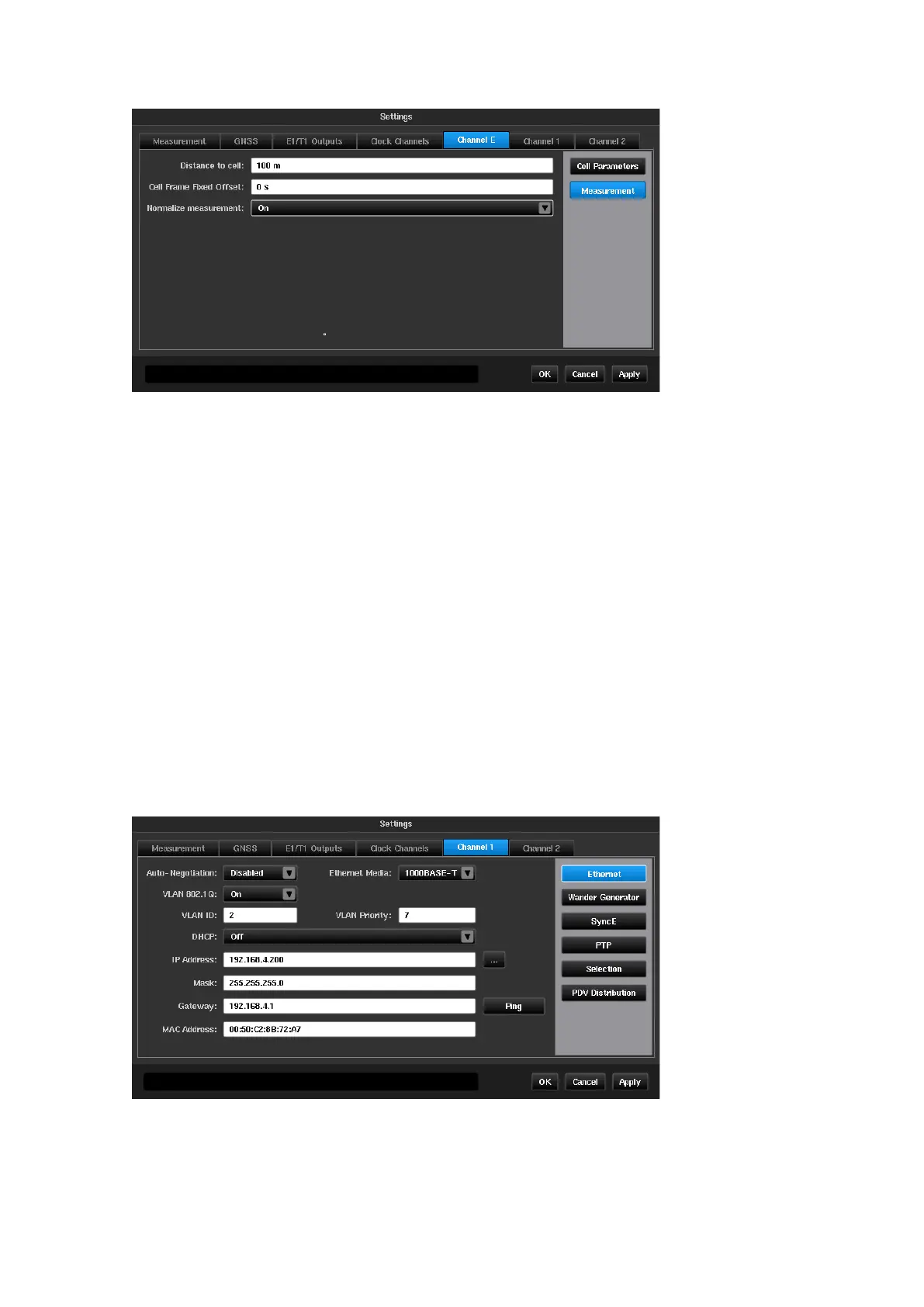
Compensates for the time of flight of the RF signal to the test site
Compensates for any known offset of timing pulses from start of cell
When set to
On
, TE samples are normalised relative to the first sample i.e.,
the value of the first TE sample is zero. In this mode TE variation is displayed
on the TIE graph.
When set to
Off
, no TE normalization is applied i.e., the TE graph displays
absolute delays (including propagation delay, time offset between Master and
Sentinel, and other time inaccuracies in the system).
Channel
X
(PTP / NTP)
The channel used for the PTP or NTP connection is selected by the Mode screen, as mentioned earlier, and a
Channel
X
tab will be present for each PTP or NTP connection chosen.
Some of the menus such as PTP or NTP and Selection appear only when the PDV Option is enabled. This tab
allows the user to change parameters related to Sync and PTP or NTP.
Ethernet
Note: These settings are applied only for PDV measurements in Pseudo-slave/Pseudo-Client mode. When
Monitor mode is enabled these settings are not applied and a Monitored Channels tab will be
available.



 To Next Page