EasyManua.ls Logo

C&T Solution CT-MCL01 Series - Installing a DIMM; Removing a DIMM

Default Icon
72 pages
Print Icon
To Next Page IconTo Next Page
To Previous Page IconTo Previous Page
Loading...
CT-MCL01 l User’s Manual
1.4.2 Installing a DIMM
1. Locate the DIMM socket on the board.
2. Hold two edges of the DIMM module carefully, and keep away of touching its connectors.
3. Align the notch key on the module with the rib on the slot.
4. Firmly press the modules into the socket which will automatically snap into the mounting notch.
Do not force the DIMM module in with extra force as the DIMM module only fits in one direction.
1.4.3 Removing a DDR4 DIMM
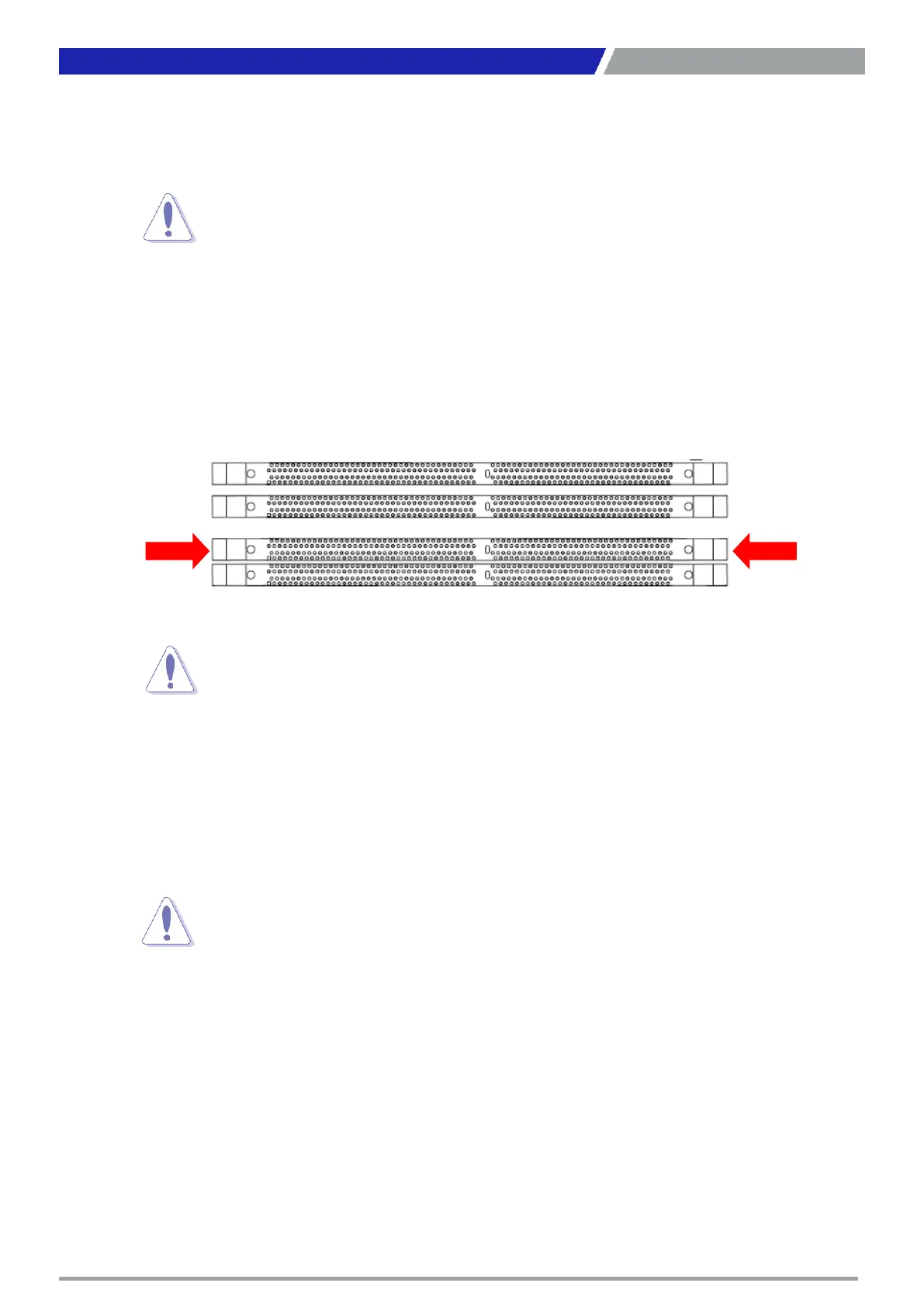
1. Press the two ejector tabs on the slot outward simultaneously, and then pull out the DIMM module.
22
Chapter 1: Product Introductions

sure to unplug the power cord before installing or removing
. Failure to do so can cause you physical injury and
components.
ejector
A DDR4 DIMM is keyed with a notch so that it fits in only one direction.
NOT force a DIMM into a socket to avoid damaging the DIMM.
The DDR4 DIMM sockets do not support DDR/DDR2/DDR3 DIMMs. DO
install DDR/DDR2/DDR3 DIMMs to the DDR4 DIMM socket.
Support
the DIMM lightly with your fingers when pressing the ejector tabs.
The
DIMM
might get damaged when it flips out with extra force.

Table of Contents