116
Clearing Wi-Fi Function Settings
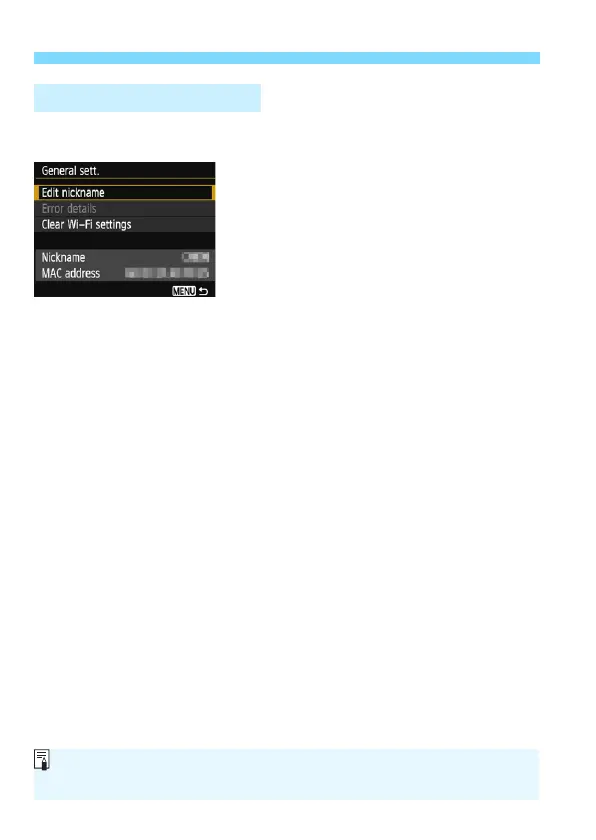
On the [General sett.] screen displayed in step 3 on the preceding
page, you can change or check the wireless settings.
[Edit nickname]
Change the nickname. Select [Edit nickname], then enter the
nickname using the virtual keyboard (p.16).
[Error details]
Selectable when a connection error has occurred. When you select
[Error details], you can check the connection error content (p.118).
[Clear Wi-Fi settings] (p.115)
Delete all settings for [Wi-Fi function].
[Nickname]
You can check the nickname set for the camera.
[MAC address]
You can check the MAC address of the camera.
General Settings Screen
Since the nickname is necessary for wireless settings, not all characters can
be deleted in [Edit nickname].















 To Next Page