16
Registering a Nickname
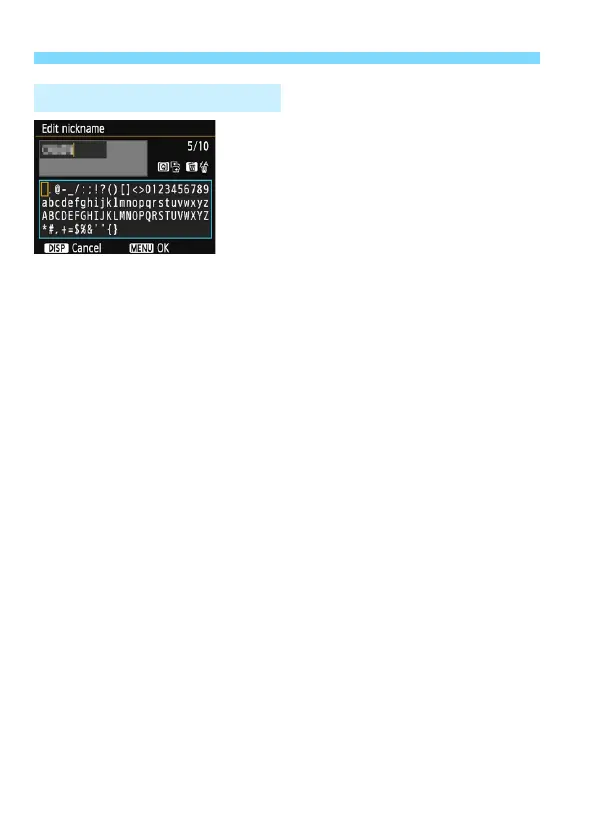
Changing the entry area
Press the <Q> button to toggle
between the top and bottom entry
areas.
Moving the cursor
Press the <Y> <Z> keys to move
the cursor.
Entering text
In the bottom area, press the <S> cross keys or turn the <6> dial
to select a character, then press <0> to enter it.
You can check how many characters you have entered, and how
many more can be entered, by referring to [*/*] on the upper right of
the screen.
Deleting a character
Press the <L> button to delete one character.
Finishing the text entry
Press the <M> button to confirm what you have entered and
exit. If a confirmation dialog is displayed, select [OK] to exit.
Canceling the text entry
Press the <B> button to cancel text entry and exit. If a
confirmation dialog is displayed, select [OK] to exit.
Virtual Keyboard Operation















 To Next Page