15
Registering a Nickname
3
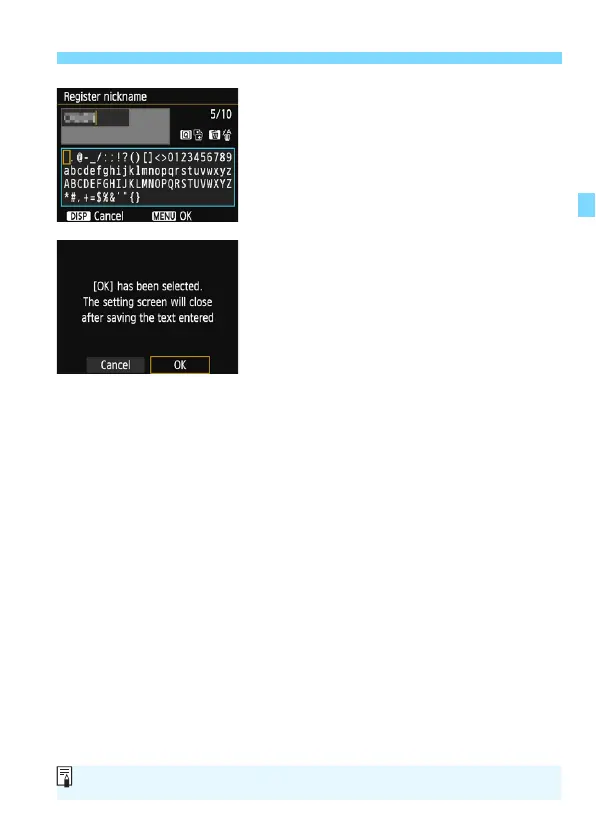
Enter a nickname.
For instructions on entering
characters, see the next page.
When using the default nickname (the
camera name), proceed to step 4.
Otherwise, enter any characters
between 1 to 10 characters in length.
4
Exit the setting.
When you are finished, press the
<M> button.
Select [OK] on the confirmation
dialog and press <0> to return to the
menu screen.
The nickname can be changed later on the [General sett.] screen (p.116).















 To Next Page