77
Connecting via WPS (PBC Mode)
7
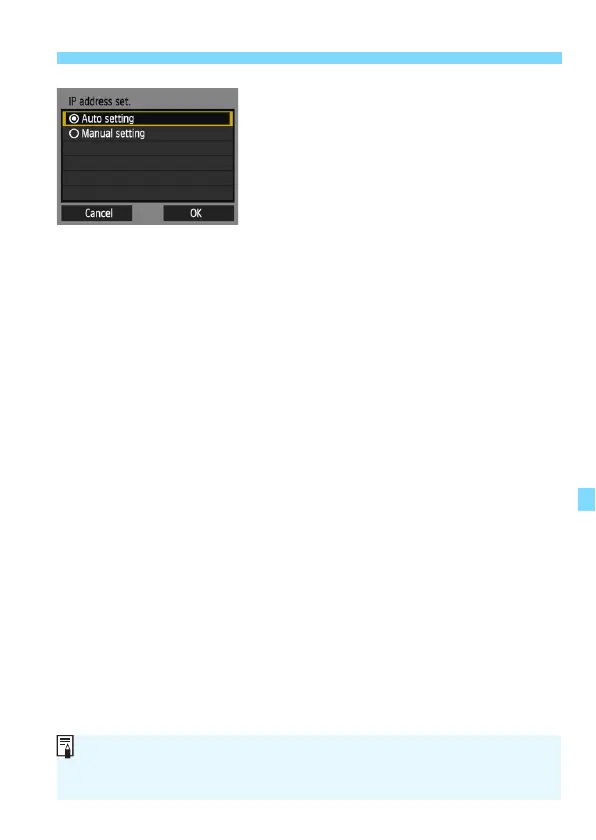
Select [Auto setting].
Select [Auto setting] and press
<0>.
Select [OK] and press <0> to
display the setting screen for the
Wi-Fi function selected in step 2
(p.78).
If [Auto setting] results in an error or
if you want to specify the settings
manually, see page 136.
The IP address can only be set automatically in environments using DHCP
servers, or access points or routers with DHCP server functionality, such
that the IP addresses, etc. are required to be assigned automatically.















 To Next Page