94
Connecting via WPS (PBC Mode)
3
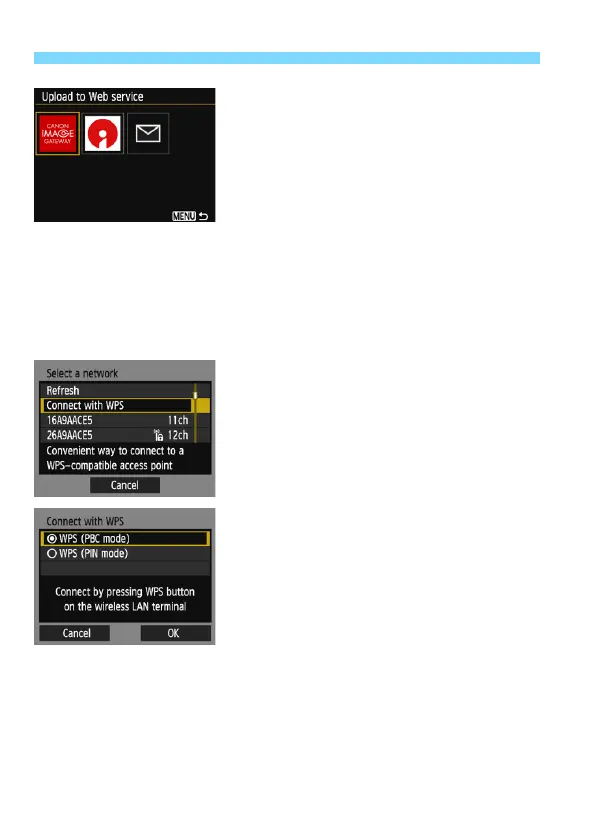
Select a Web service.
Select a Web service to connect to,
then press <0>.
The contents and ordering of the list
of items displayed will vary depending
on settings (p.91).
The Web service to connect to can be
changed when reconnecting (p.108).
The camera’s <k> lamp will blink.
Depending on the selected Web
service, the [Send to] screen is
displayed. Select a destination
(p.103).
4
Select [Connect with WPS].
Select [Connect with WPS] and
press <0>.
5
Select [WPS (PBC mode)].
Select [WPS (PBC mode)] and press
<0>.
Select [OK] and press <0> to go to
the next screen.















 To Next Page