Handy Features
192
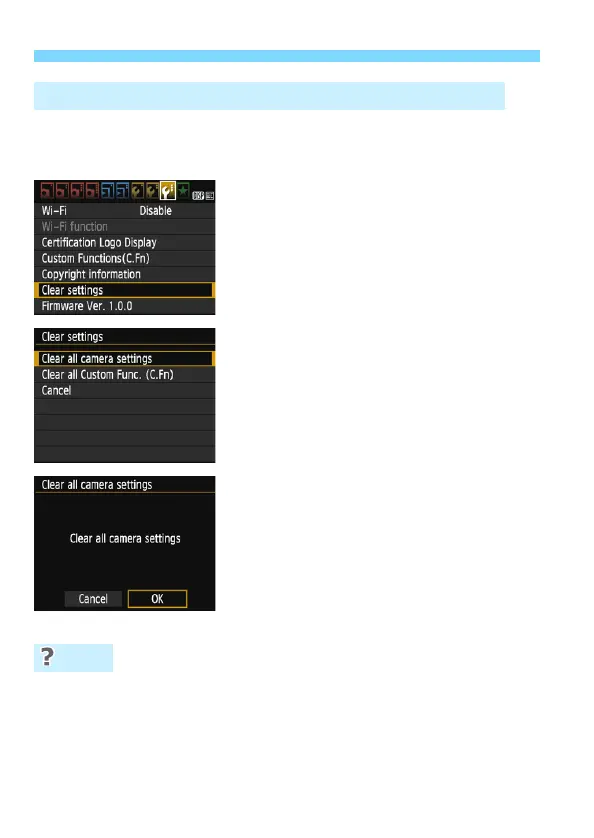
The camera’s shooting function settings and menu settings can be
reverted to their defaults. This option is available in Creative Zone
modes.
1
Select [Clear settings].
Under the [53] tab, select [Clear
settings], then press <0>.
2
Select [Clear all camera settings].
Select [Clear all camera settings],
then press <0>.
3
Select [OK].
Select [OK], then press <0>.
Setting [Clear all camera settings]
will reset the camera to the default
settings as shown on the next pages.
Clearing all camera settings
After the procedure above, select [Clear all Custom Func. (C.Fn)]
in [53: Clear settings] to clear all the Custom Function settings
(p.256).
3 Reverting the Camera to the Default SettingsN
FAQ













 To Next Page