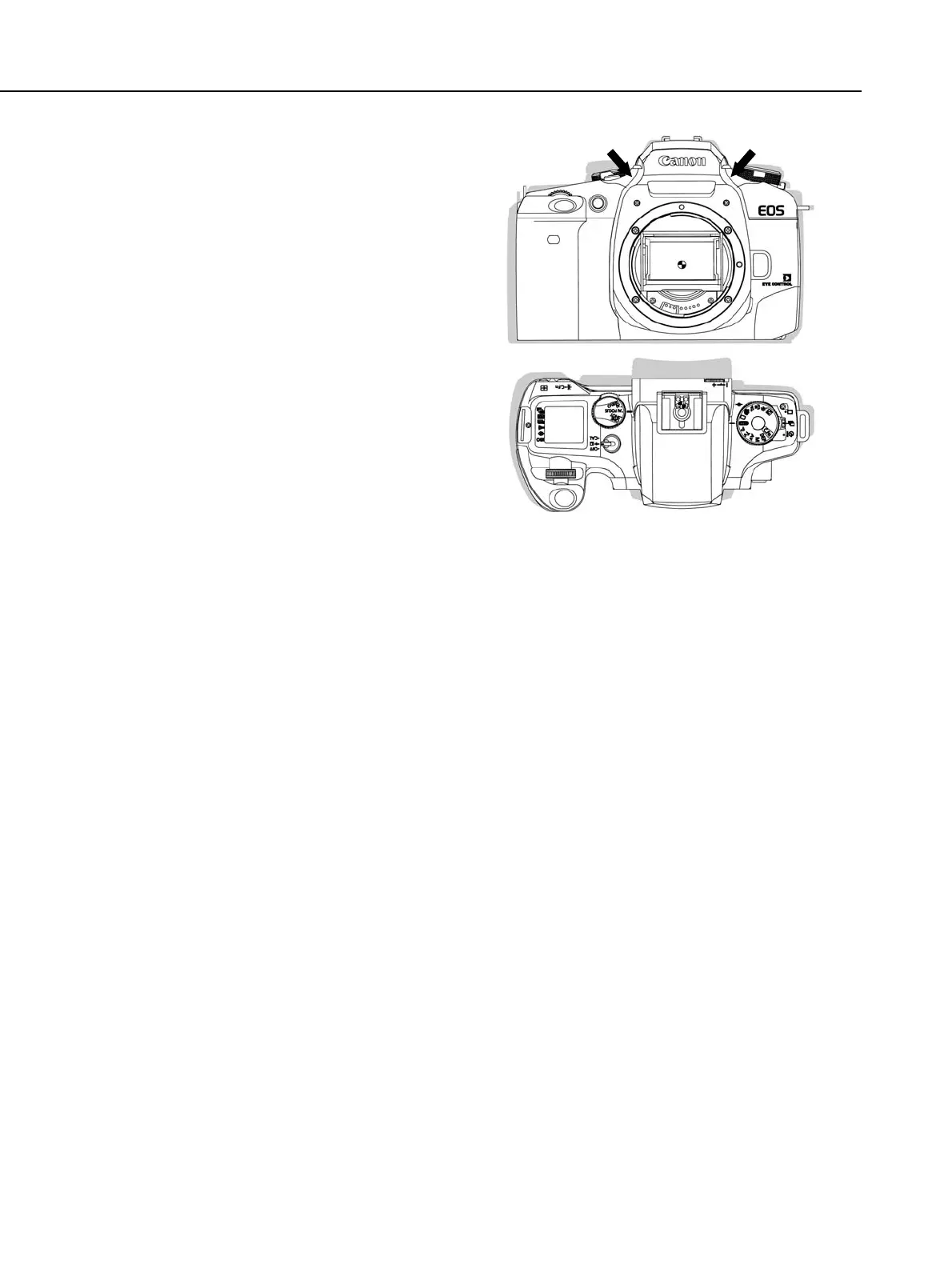
● Enhanced User Interface
(1) Focusing point selection keys
The new focusing point selection keys
within the Quick Control Dial enable
quick-and-easy selection of the seven
focusing points. Also new is the
separate Eye Control switch. The top
cover now has three dials serving as
the user interface.
(2) Smaller size and better holding comfort
To make the camera smaller, the
distance between the optical axis and
grip end was designed to be 4.4 mm
shorter than the EOS ELAN II E /
EOS 50 E’s. In addition, the camera
grip’s shape and the layout of the
shutter button and electronic dials
has been optimized for better
operation ease and holding comfort.
Part 1: General Information
1-4
Fig. 1-1 Size Comparison of EOS ELAN 7 E /
EOS 30 and EOS ELAN II E / EOS
50 E



 To Next Page