1.4 A
DJUSTMENTS SOFTWARE FOR
THIS CAMERA
1) Starting the Adjustment Software
The filename for this software is ELAN 7.EXE or EOS30.BAT, EOS33.BAT, After a
work disk has been made, the software will be started automatically from the
AUTOEXE.BAT file.
<Reference>
If communication errors occur often, reduce the communication speed with ELAN 7
(Space) /9 (Return). Fewer errors will result.
2) Running the Adjustment Software
This software only requires operation of the RETURN (ENTER) key, space bar, and
cursor keys. Follow the instructions on the screen to adjust the camera.
3) Tools Used
The adjustment software is supported on both the Multiple Tool II and the HS-I/F.
The following descriptions and screens displayed in this manual are for the Multiple
Tool II only. However, operations are exactly the same for the HS-I/F. Note, however,
that we recommend use of expanded memory when the HS-I/F is used.
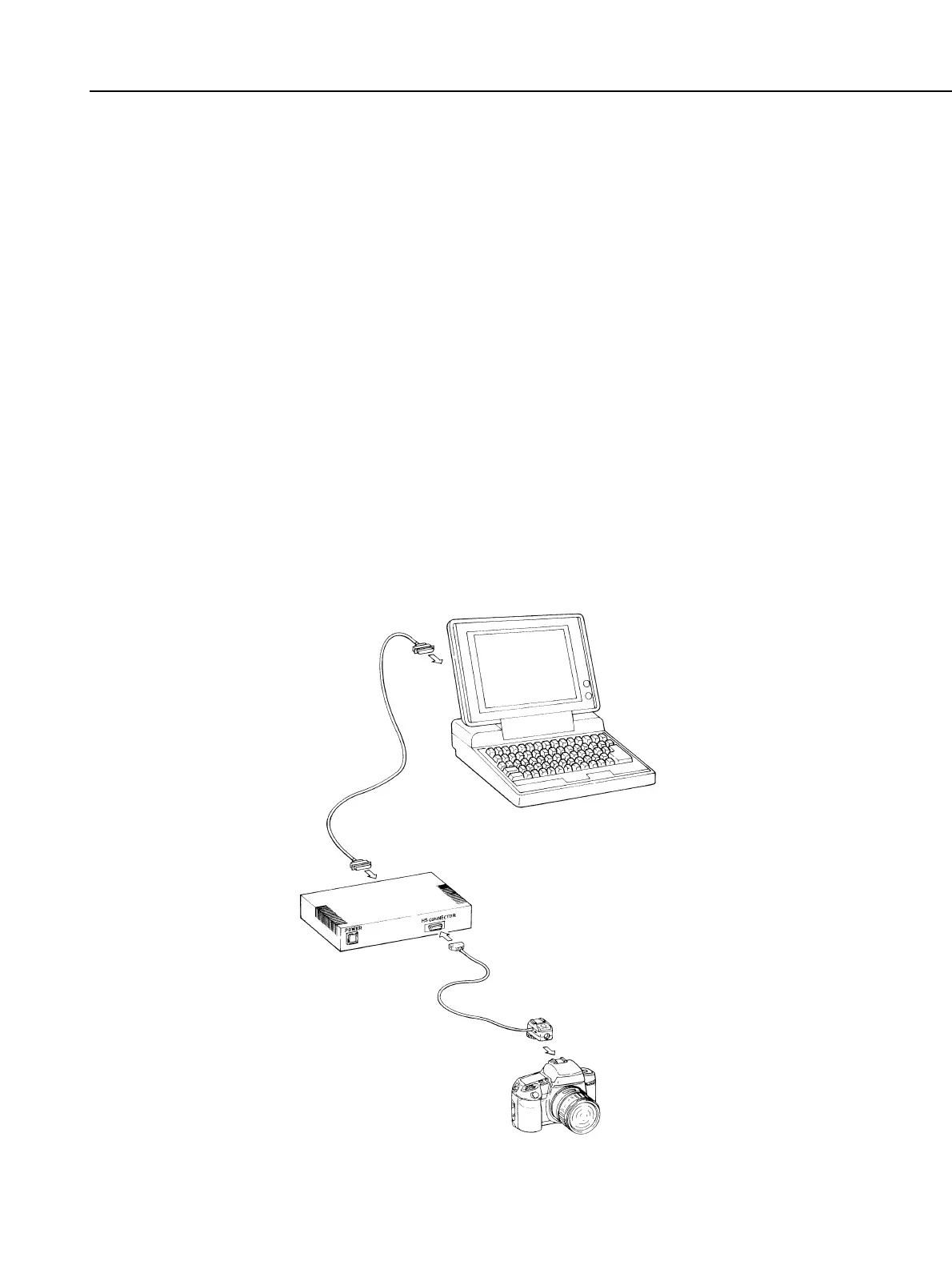
4) Connecting the Camera to the Multiple Tool II and HS-I/F
Part 4: Electrical Adjustment
4-3
Multiple Tool II, HS-I/F
Fig. 4-1 Camera Connection



 To Next Page