1.18 S
ELF CHECK
The self check can be classified into the following checks and settings:
1. LCD Check: Display the all indications in viewfinder and
LCD panel, and check that no segment is
missing.
2. Flash Charge Inhibit mode Inhibits flash charging and prevents discharge.
ON or OFF:
3. Error Code display ON or OFF: In this mode, the battery mark flashes and the
error code is displayed at the same time.
4. Error Code Deletion: Deletes the error code.
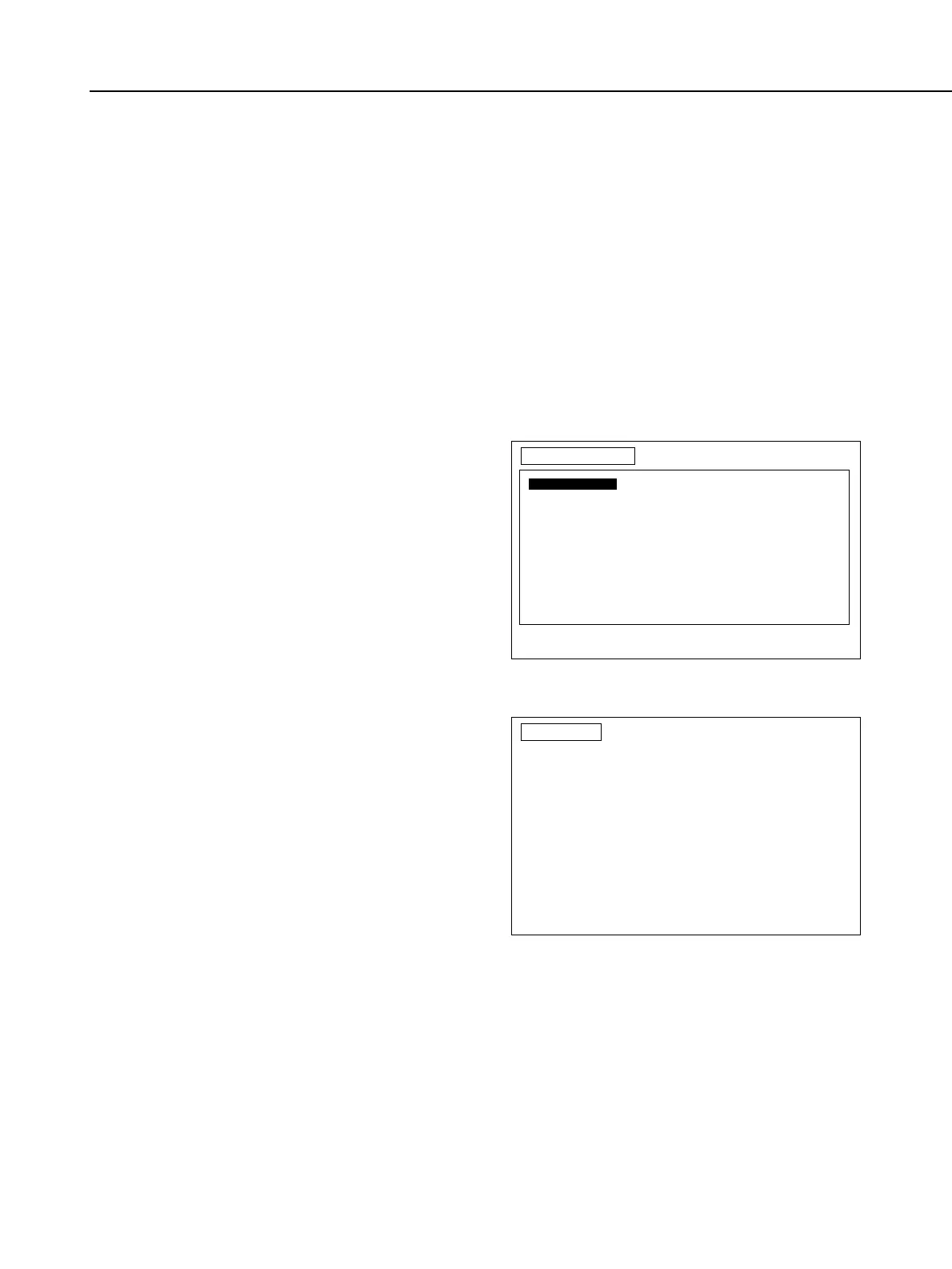
Select Self Check in the Main menu to
display the Self Check menu.
LCD CHECK:
When LCD check is selected, the screen
on the right appears and all LCD panel
indications are displayed. If there are any
missing segments, the LCD may be
defective, or connection may be poor.
Part 4: Electrical Adjustment
4-35
SELFMENU
Selct with cursor keys and press RETURN.
To return to Main Menu, press space bar.
Self Check Menu
F1 LCD Check
F2 Flash Charge Inhibit mode ON or OFF
F3 Error code display ON or OFF
F4 Error code Deletion
LCDCHK
Press RETURN to go to
SELF CHECK MENU screen.
LCD check
Verify all LCD and viewfinder indications are displayed.
If segment is missing, poor connection or defective LCD is suspected.



 To Next Page