ADJUSTMENT:
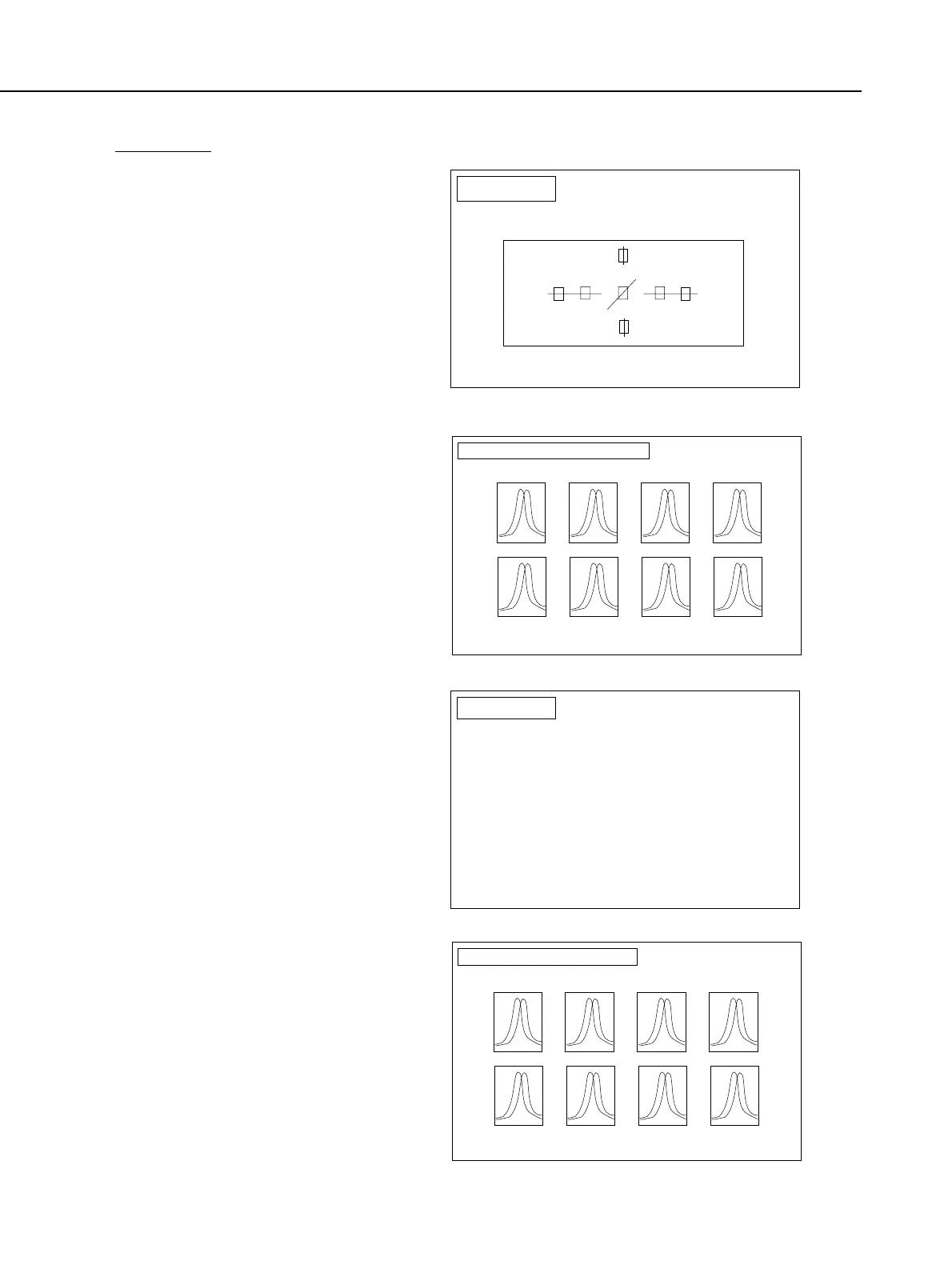
1) The screen on the right appears
when you select Basic AF
Adjustment. Set up the camera,
and press RETURN key to start
AGC adjustment.
2) When the RETURN key is pressed,
the waveform like the one on the
right is displayed. Set up the
camera so that the peaks of the
waveform are at the center. When
you have finished setting up the
camera, press the RETURN key to
start the adjustment.
3) The screen on the right appears
when AGC adjustment is
completed. Place the camera in a
dark bag, and press RETURN key
to start dark adjustment.
Part 4: Electrical Adjustment
4-20
AFB1
Basic AF
Adjustment
Press SPACE bar to return to AF MENU screen.
{To go to Dark Adjustment, press ESC key}
AGC
Set the chart 1.0 meter away from the camera.
Manually adjust the focus, and press RETURN key.
AFBAGC_S
Basic AF Adjustment (Setting)
Set the peak of each AF sensor waveform
nearly center. Then press RETURN key.
Top
Centor
(Horizontal)
Centor
(Vertical)
Bottom
Left Right-CenterLeft-Center Right
AFB2
Basic AF
Adjustment
Dark
Place camera in the dark bag.
After setting, press RETURN.
{To go to Shading Adjustment, press ESC key}
AFDRK
Basic AF Adjustment (Dark)
To end the process forcefully, press ESC.
Top
Centor
(Horizontal)
Centor
(Vertical)
Bottom
Left Right-CenterLeft-Center Right



 To Next Page