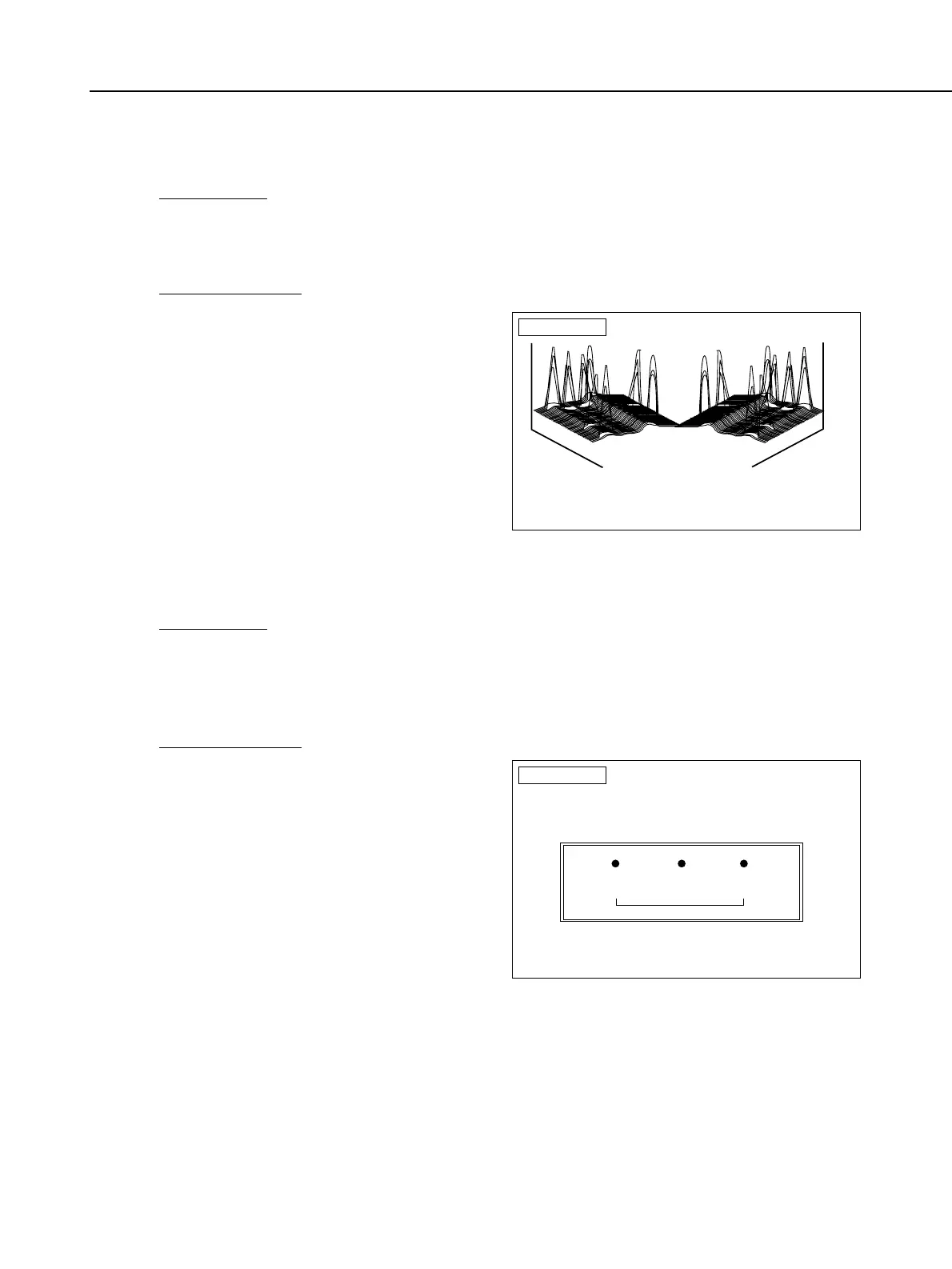
• ECF Sensor Check (IREDs on)
PREPARATIONS:
1) Attach the IRED positioning tool to the eyepiece.
2) On the ECF Adjustment menu, select [F3] ECF Sensor Check (IREDs on).
CHECK PROCEDURE:
1) After a few moments, the waveforms
as shown on the right will appear.
Four pillars on the left and right (total
of eight) should be displayed
alternately. The pillars are the IREDs'
light reflecting off the IRED
positioning tool's eye. If you do not
see the four pillars, it means the IRED
is not lit. The ECF sensor is therefore
faulty.
• ECF Sensor Check (Position Check)
PREPARATIONS:
1) Securely attach the IRED positioning tool to the eyepiece.
2) Shine a light source (EV12) on the eyepiece.
3) On the ECF Adjustment menu, select [F4] ECF Sensor Check (Position Check).
CHECK PROCEDURE:
1) After a few moments, the numbers as
shown on the right will appear. Check
if the numbers are close to the target
values. These numbers indicate the
position of the holes in the IRED
positioning tool. When the ECF unit is
operating normally, the numbers
displayed will be close to the target
values. If the numbers are far off from
the target values 1.5 or more), do the
adjustment again and check again. If
the numbers are the same as before
the adjustment, the ECF sensor is
probably faulty.
Part 4: Electrical Adjustment
4-41
ECF Check
Attach the mask holder and set the light source to EV12.
The values below are position of three mask holder hole.
Bracketed values are standards.
If actual values are greately differenct from
the standards, readjustment is necessary
To return to ECF menu, press return.
Xaxis 000.000 (-40.0) 000.000 (0.0) 000.000 (+40.0)
Yaxis 000.000 (0.0) 000.000 (0.0) 000.000 (0.0)
Interval = 00.000 (-4.94)



 To Next Page