(3) Manual focusing point selection
AF is executed with the manually selected focusing point.
(Selection Procedure (Horizontal orientation)]
(Symbols: < ● > Main Dial <
K
> Quick Control Dial <+> Focusing
point selection keys)
• C.Fn-11-0
Pressing the focusing point selector enables the <+> keys.
• C.Fn-11-1
1) Eye Control: After focus is achieved, <+> is enabled.
2) Automatic focusing point selection: While the shutter button is
pressedhalfway and the metering active, manual focusing point
selection is enabled.
3) Manual focusing point selection: Enabled while the shutter button is
pressed halfway and the metering active.
* The focusing point selection keys can be used without having to
press the focusing point selector first.
* During automatic focusing point selection, pressing <+> starts the
selection with the center focusing point.
* During manual focusing point selection, pressing the focusing
point selector switches to automatic focusing point selection.
* Since manual focusing point selection is disabled in the Full Auto
and Programmed Image Control modes, this Custom Function
setting does not apply in these modes.
• C.Fn-11-2
After the focusing point selector is pressed, < ● > selects a horizontal
focusing point and <
K
> selects a vertical focusing point.
* <+> is disabled.
* During manual focusing point selection, if the selection goes beyond
the outer-most focusing point, automatic focusing point selection is
set.
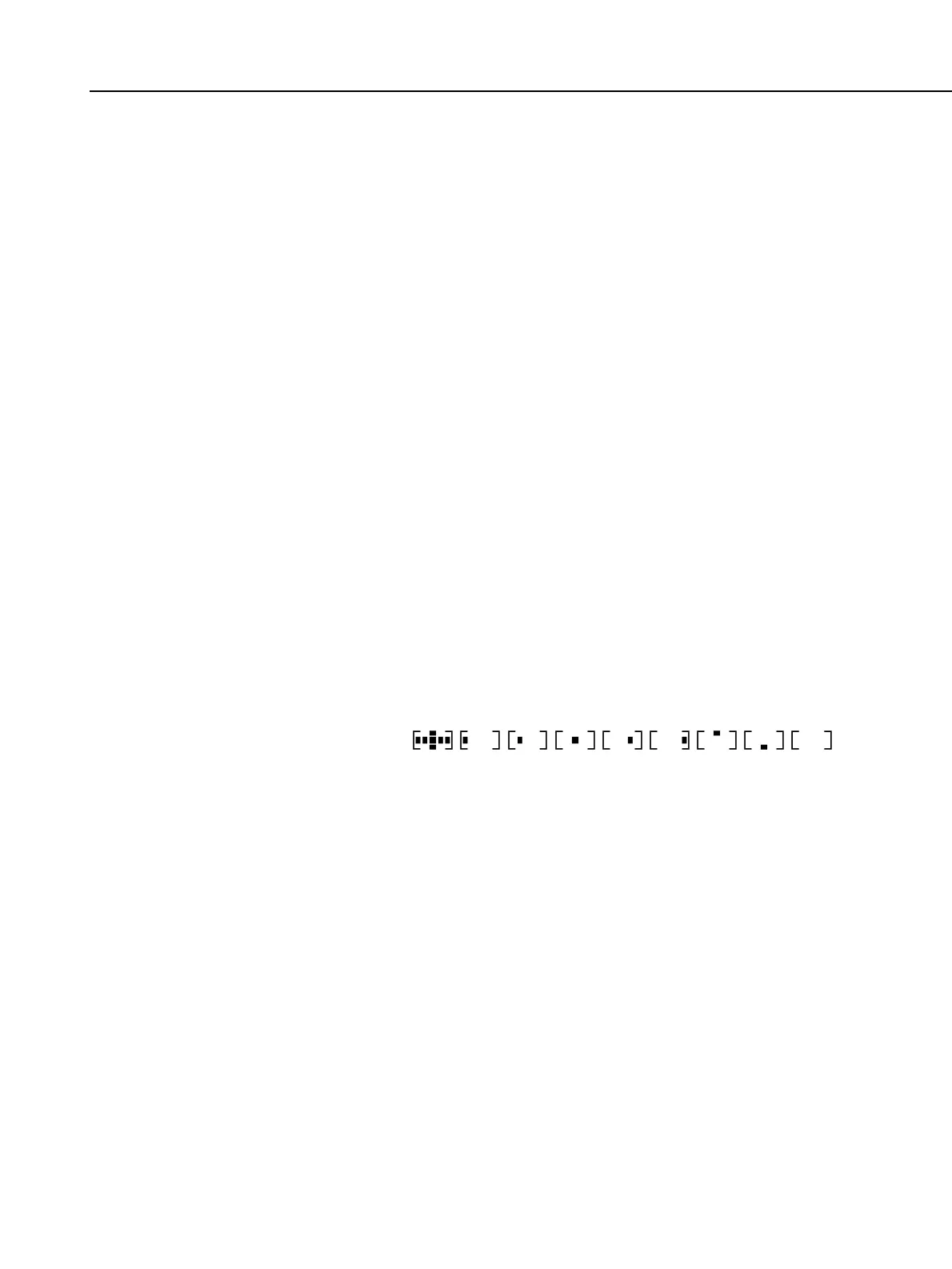
2-6 Focusing point display: The selected focusing point is indicated by
superimposition (SI) in the viewfinder and the icon on the
LCD panel.
* The selected focusing point is displayed on the LCD panel as shown
below:
* On the LCD panel, the selected focusing point is displayed and the
focusing point achieving focus is not displayed.
* C.Fn-10-1 disables the SI display. The SI brightness cannot be
changed.
2-7 AF activation: Activated by pressing the shutter button halfway (SW-1).
2-8 AF operation speed: Same as with the EOS-3.
2-9 In-focus indicator: Icon in viewfinder (LCD), superimposed (SI) focusing
point display, and beeper.
* The in-focus beeper can be enabled or disabled in all the
picture-taking modes.
* In the AI Servo AF mode, the in-focus indicator < l > and beeper are
disabled.
2-10 AF precision: Same as with the EOS 650.
2-11 AF working range: EV 1-18 (at ISO 100 with the standard chart)
Part 1: General Information
1-15


 To Next Page