9-16
Troubleshooting
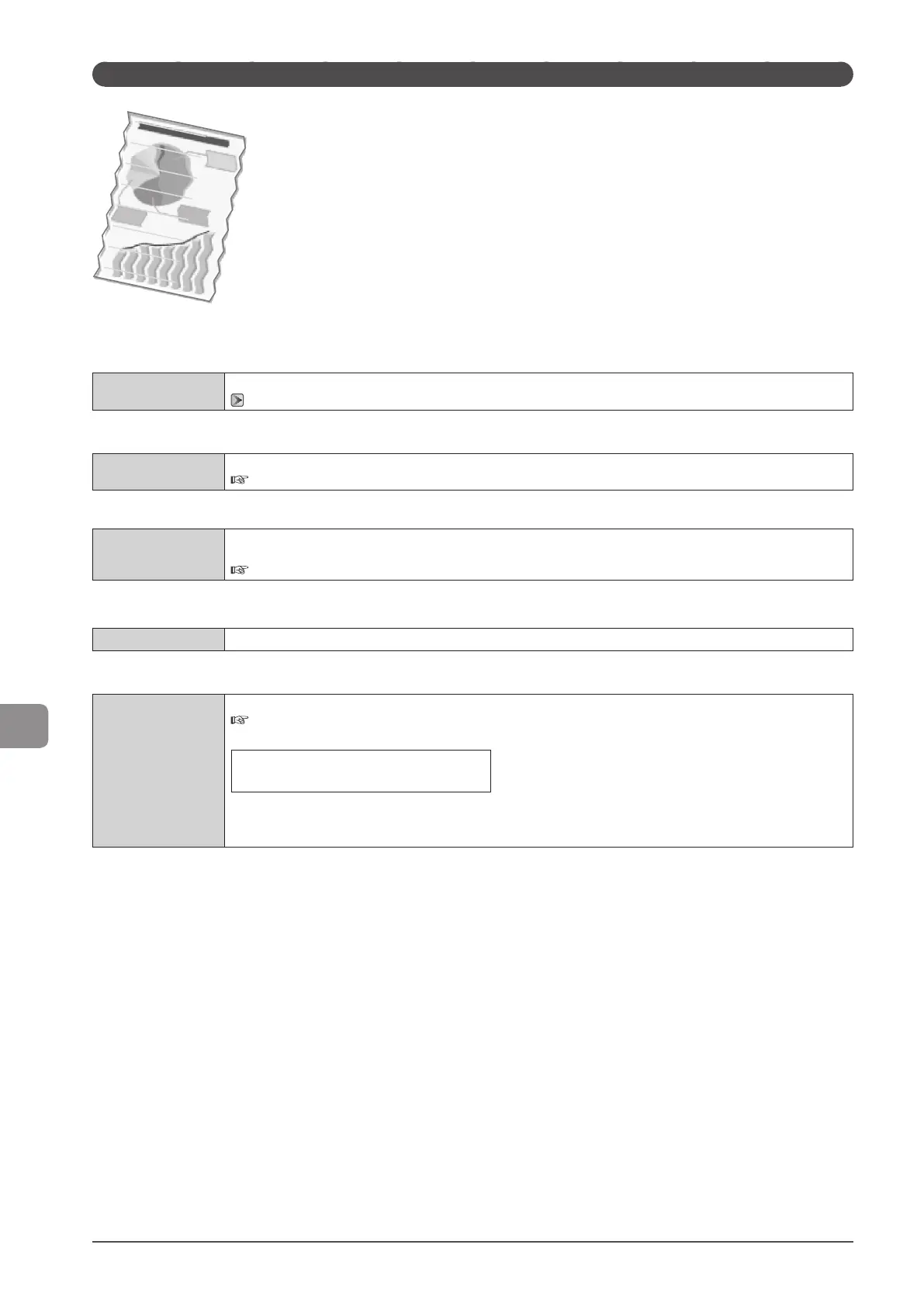
Paper Creases
Try one of the following to solve the problem.
<Cause 1> The paper stack is not loaded correctly.
Solution
Load the paper stack correctly.
“Loading Paper” (→P. 2-9)
<Cause 2> Damp paper is used.
Solution
Replace the paper stack with new unopened one.
e-Manual → Specifications → Paper → Supported Paper Types
<Cause 3> The paper type loaded is not appropriate.
Solution
Make sure that the number of sheets or the paper type loaded in the paper drawer or multi-purpose tray meets the
paper specifications.
e-Manual → Specifications → Paper → Supported Paper Types
<Cause 4> There is a foreign object inside the machine.
Solution
Remove the foreign object from the machine.
<Cause 5> Paper creases due to the paper type used or usage conditions of the machine.
Solution
Change the <Special Mode V> setting from the operation panel.
e-Manual → Maintenance → Special Mode
The effect becomes greater as the number goes up.
<Off> → <Mode 1> → <Mode 2>
(low) (high)
* Paper curls and creases can be minimized by changing the paper type and usage conditions, without needing to
change the setting.
* The more effective the setting becomes, the slower the print speed.












 To Next Page