6-6
Using the Fax Functions
Cancel sending the job currently being sent.
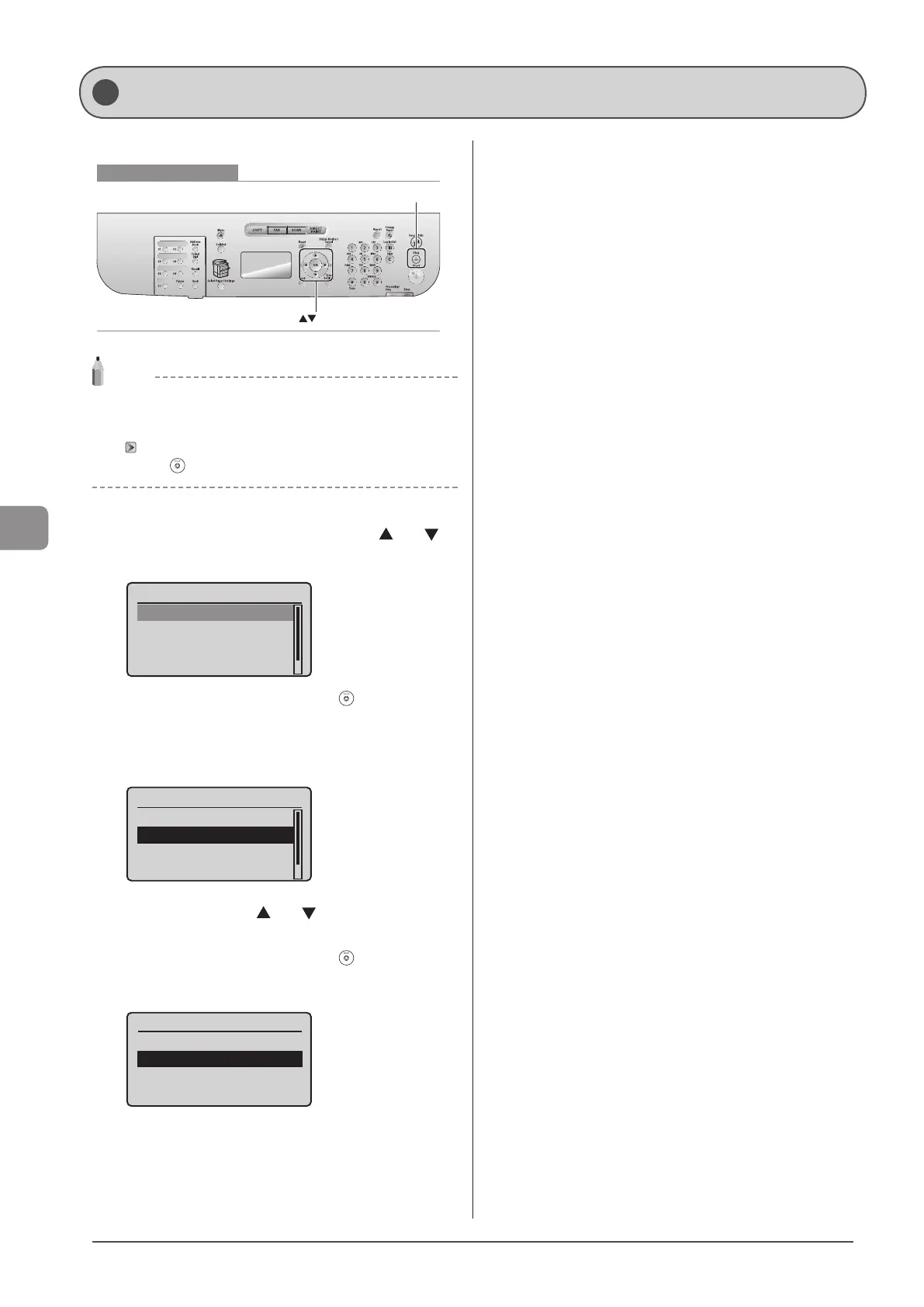
Keys to be used for this operation
OK
Stop
NOTE
How to cancel fax sending
You can also cancel the job with the following procedures.
• To cancel the job in the Status Monitor/Cancel screen.
“Checking and Canceling Fax Jobs” (→P. 6-18)
• Press [ ] (Stop) twice.
1 When <Scanning...> is displayed after the fax
sending starts, select <Cancel> using [
] or [ ]
and press [OK].
Scanning...
<Start Sending>
<Cancel>
Destinations: 1
No. of TX Pages: 1
* You can also cancel the job by pressing [ ] (Stop).
When a document is loaded on the platen glass
When <Scan Next: Press Start> is displayed, follow the same steps
as the above.
<Start Sending>
<Cancel>
Destinations: 1
No. of TX Pages: 1
2 Select <Yes> using [ ] or [ ] when <Cancel?>
appears on the screen and press [OK].
* You can also cancel the job by pressing [ ] (Stop).
The job is canceled.
Cancel?
<No>
<Yes>
Details
Canceling Fax Jobs












 To Next Page