4-6
Printing from a Computer
● For canceling
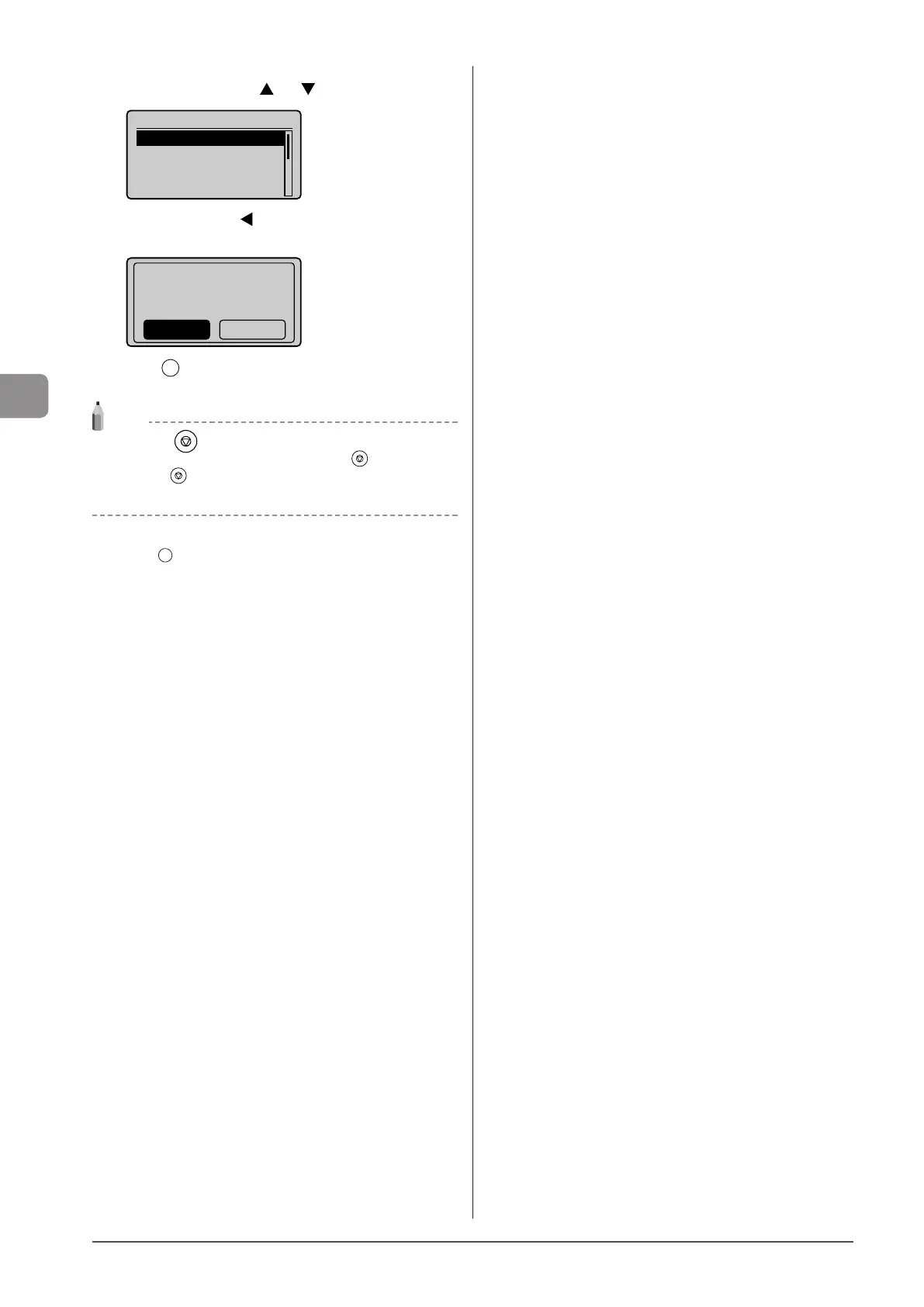
(1) Select <Cancel> using [ ] or [ ] and press [OK].
Details
<Cancel>
Job Number: 0020
Status: Printing
Time: 01/01 09:42AM
(2) Select <Yes> using [ ] and press [OK].
The print job is canceled.
Cancel?
NoYes
(3) Press [ ] (Status Monitor/Cancel) to close the screen.
NOTE
Pressing [ ] (Stop) can also delete the print jobs
You can delete the print job also by pressing [
] (Stop).
* Press [ ] (Stop) twice to cancel the job when the machine
holds one job only.
● For checking only
Press [ ] (Status Monitor/Cancel) to close the screen.












 To Next Page