1-6
Before Using the Machine
LCD (Standby Mode)
This section describes the following screens.
• Copy Mode
• Scan Mode
NOTE
Display of the standby mode
• You can change the standby display which appears when the
power switch is turned ON.
e-Manual → Basic Operation → Customizing Display
Settings → Setting the Default Screen
• When the machine is idle for 2 minutes, the display returns to
standby mode.
e-Manual → Basic Operation → Customizing Timer Settings
→ Specifying the Auto Reset Timer
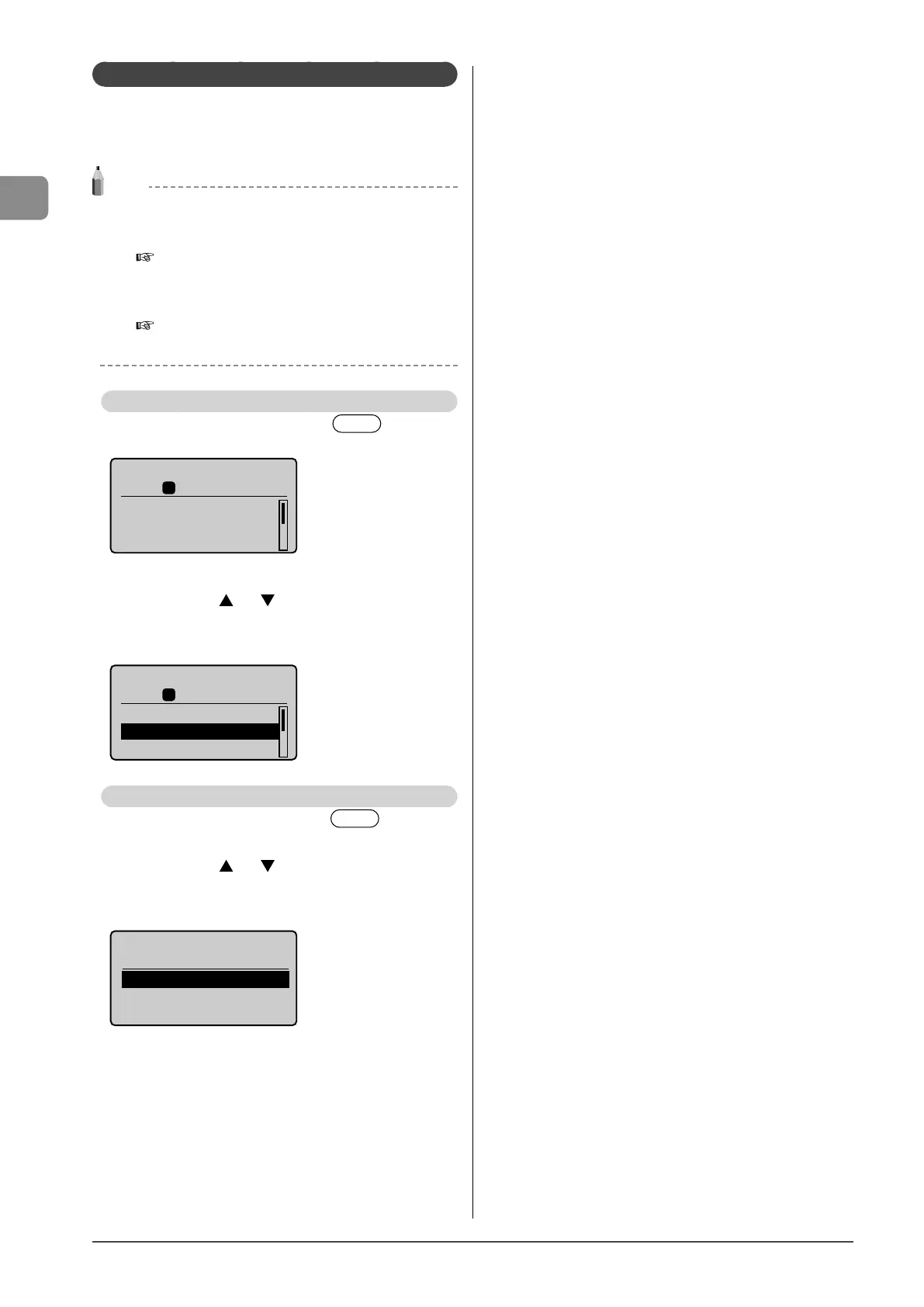
Copy Mode
When using the copy function, press [ ] to switch
to the standby display.
Copy: Press Start
100% LTR
No. of Copies: 01
Density: 0
Original Type: Text
...
1
+
-
01
When the copy mode screen is displayed, you can select
items by pressing [
] or [ ].
The currently selected item will be highlighted with a black
background, and pressing [OK] will advance to the next
screen.
Copy: Press Start
100% LTR
No. of Copies: 01
Density: 0
Original Type: Text
...
1
+
-
01
Scan Mode
When using the scan function, press [ ] to switch
to the standby display.
When the scan mode screen is displayed, you can select
items by pressing [
] or [ ].
The currently selected item will be highlighted with a black
background, and pressing [OK] will advance to the next
screen.
Select the scan type.
Computer
Remote Scanner














 To Next Page