7-7
Troubleshooting
If messages appear, see the following and solve the problem.
e-Manual → Troubleshooting → Display Messages
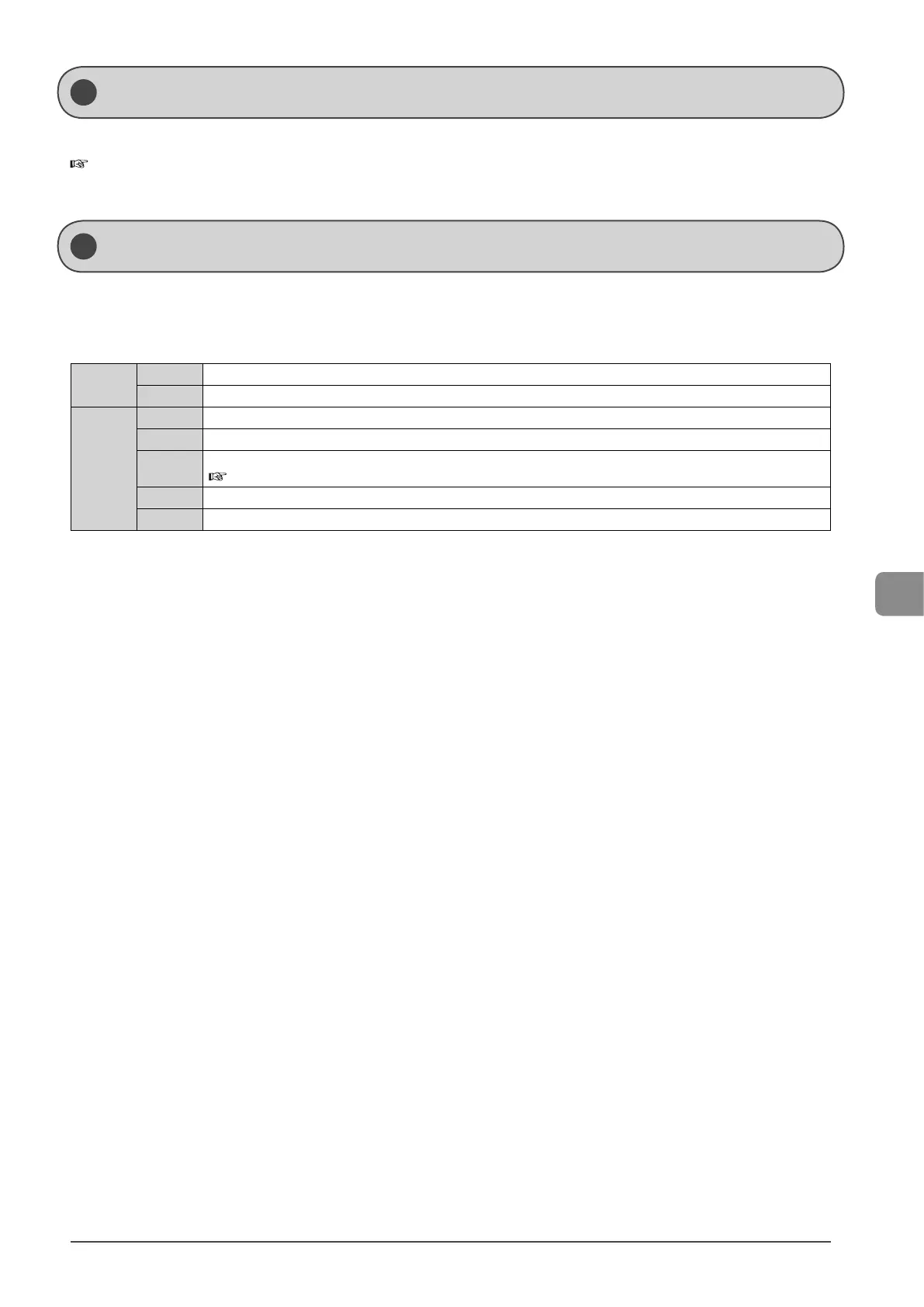
An error code is a 3-digit code recorded as an error log when an error occurs.
You can view the code at the job history in the system status screen.
For details on the error code, see the following.
#001
Cause A document may be jammed.
Action Remove the jammed document.
#037
Cause 1 The machine’s memory is full.
Action 1 Print, send, or delete any documents stored in the memory.
Action 2
For a copy job, divide the document into two or set <Original Type> to <Text/Photo (High Speed)> before copying.
e-Manual → Copy → Selecting Image Quality (Copy)
Cause 2 The data size exceeds the machine’s available memory.
Action Reduce the data resolution or change the file format to reduce the data volume.
Display Message
Error Codes














 To Next Page