1-9
Before Using the Machine
Text Input Method
Enter information (text, symbols, and numbers) into the
machine using the following keys.
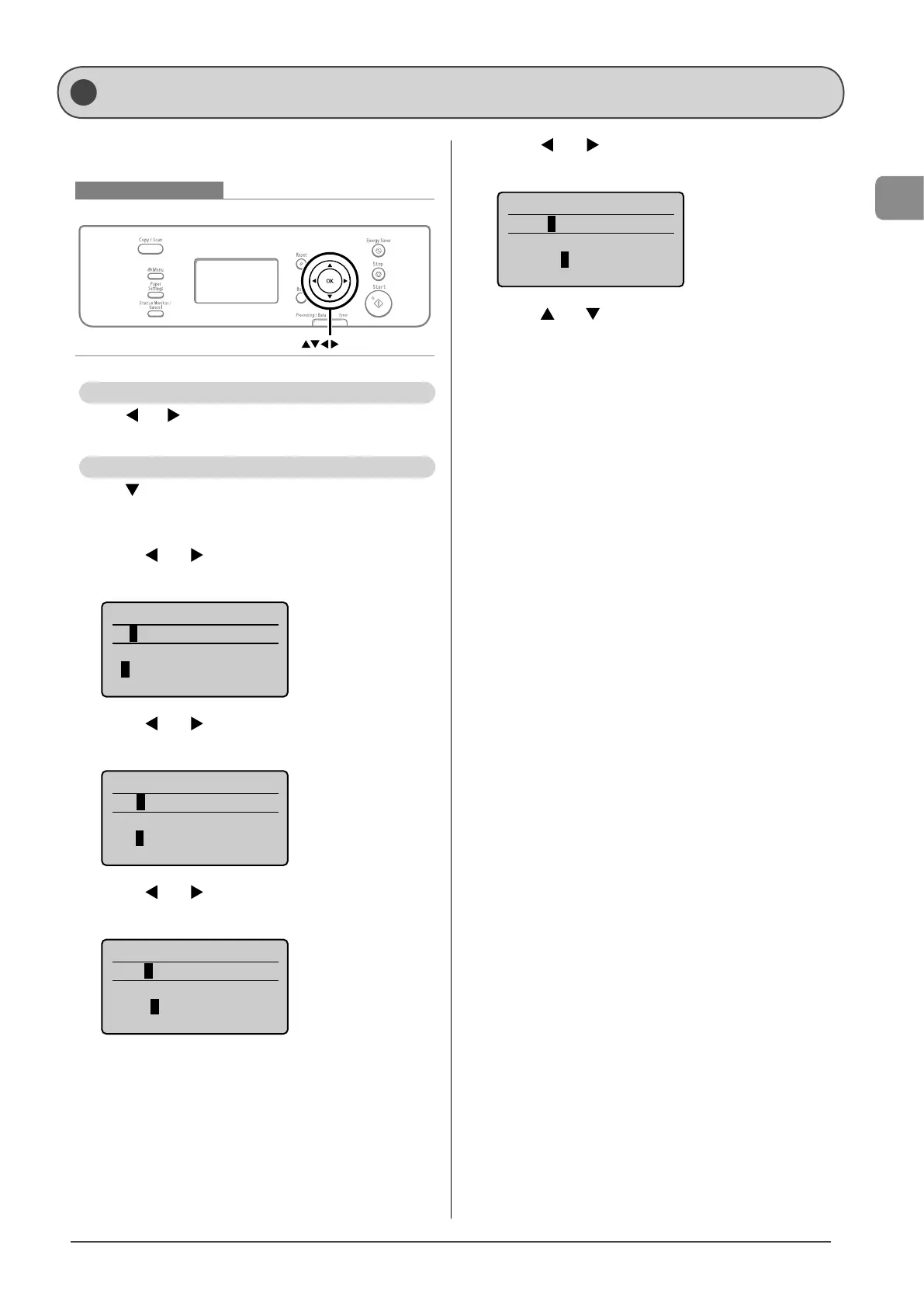
Keys to be used for this operation
OK
Entering text, symbols, and numbers
Press [ ] or [ ] to select a character, symbol, or number,
and then press [OK].
Deleting text, symbols, and numbers
Press [ ] to select <BS>, and then press [OK].
Example: Enter <1234>.
1 Press [ ] or [ ] to select <1>, and then press
[OK].
System Manager PIN
*
<Apply>
1 2 3 4 5 6 7 8 9 0
<BS>
2 Press [ ] or [ ] to select <2>, and then press
[OK].
System Manager PIN
**
<Apply>
1 2 3 4 5 6 7 8 9 0
<BS>
3 Press [ ] or [ ] to select <3>, and then press
[OK].
System Manager PIN
***
<Apply>
1 2 3 4 5 6 7 8 9 0
<BS>
4 Press [ ] or [ ] to select <4>, and then press
[OK].
System Manager PIN
****
<Apply>
1 2 3 4 5 6 7 8 9 0
<BS>
5 Press [ ] or [ ] to select <Apply>, and then
press [OK].
The entry is applied.














 To Next Page