imageCLASS MF230 Series Service Guide for ASF
imageCLASS MF230 Series Service Guide for ASF September 2016
Page 28
2. Submit a Warranty Claim
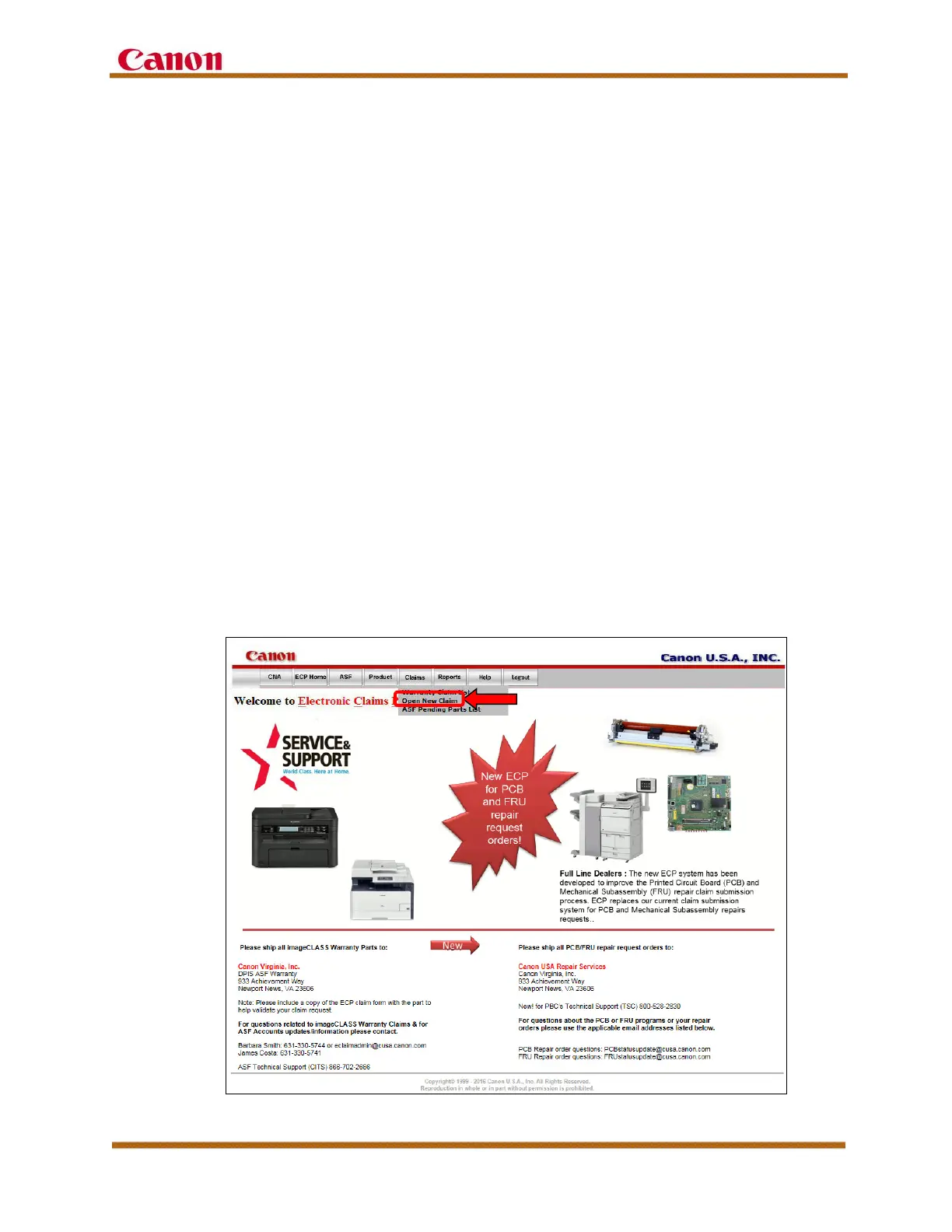
To open a new warranty claim, select “Open New Claim” from the “Claims”
tab at the top of the ECP home page. Select your ASF location, and the
screen self-populates with your company’s name.
You are required to select or enter the following information:
• Technician Name who performed the service
• Model Name
• Serial Number
• POP (Proof of Purchase) Date
After all the information is entered, click the “Validate” button to process
the claim. If a warning is displayed about the data entered during the claim
process, the system specifies which values are invalid. The system also
checks whether the unit is still under warranty, and generates a unique
claim number for the submitted claim. Continue filling in your claim
information, including the Problem Code, Cause Code, and any parts used
in the service of the unit.
Warranty labor compensation is issued via Direct Deposit on a bi-weekly
basis, as claims are validated by the ECP System Administrator.
Figure 10 — ECP Home Page – Claims Tab









 To Next Page