4-29
Sending Faxes
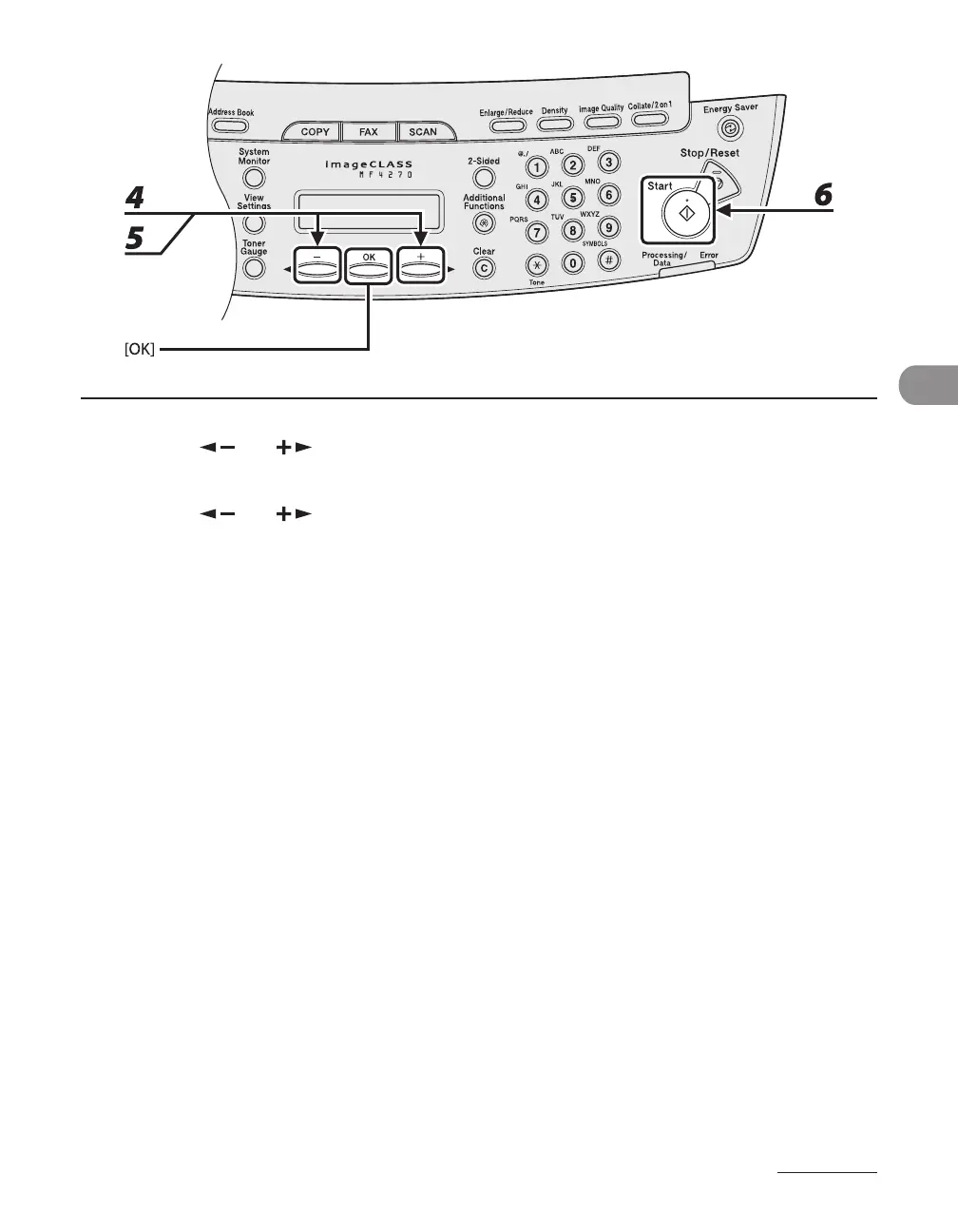
4 Press [ ] or [ ] to select <LIST>, then press [OK].
5 Press [ ] or [ ] to find the required recipient.
The recipients are listed in the order of one-touch speed dialing keys (01 to 08), and coded speed
dialing codes (00 to 99).
For a one-touch speed dialing key or coded speed dialing code with no recipient name registered,
their fax number is displayed.
6 Press [Start].
When you set the documents on the platen glass, press [Start] for each document. When scanning is
complete, press [OK] to start dialing.
–
–












 To Next Page