Copying
3-14
Two-Sided Copy
Two-sided copying enables you to make two-sided copies from one-sided documents.
This feature can be used together with both “Collate Copy” (see p. 3-10) and “2 on 1
Combination” (see p. 3-12).
Paper used to make two-sided copies must conform to the following specifications:
Paper size: LTR and A4
Paper weight: 17 to 21 lb (64 to 80 g/m
2
)
1 Set documents.
Place the first page on the platen glass if you are not using the ADF.
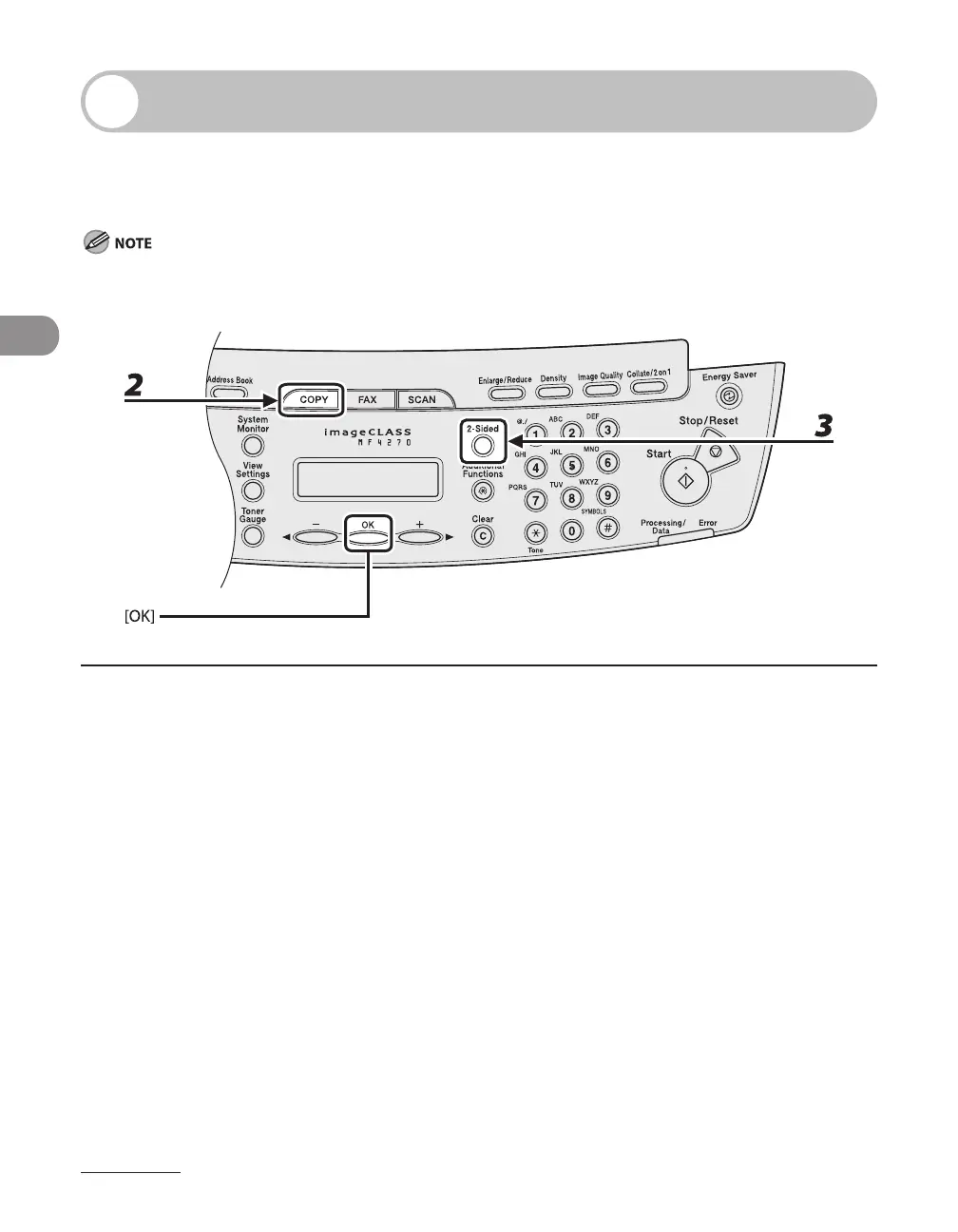
2 Press [COPY].
3 Press [2-Sided] repeatedly to select <ON>, then press [OK].
–
–












 To Next Page