11-3
Troubleshooting
Document Jams
When <CHECK DOCUMENT> appears on the
LCD display, remove a jammed document
from the ADF.
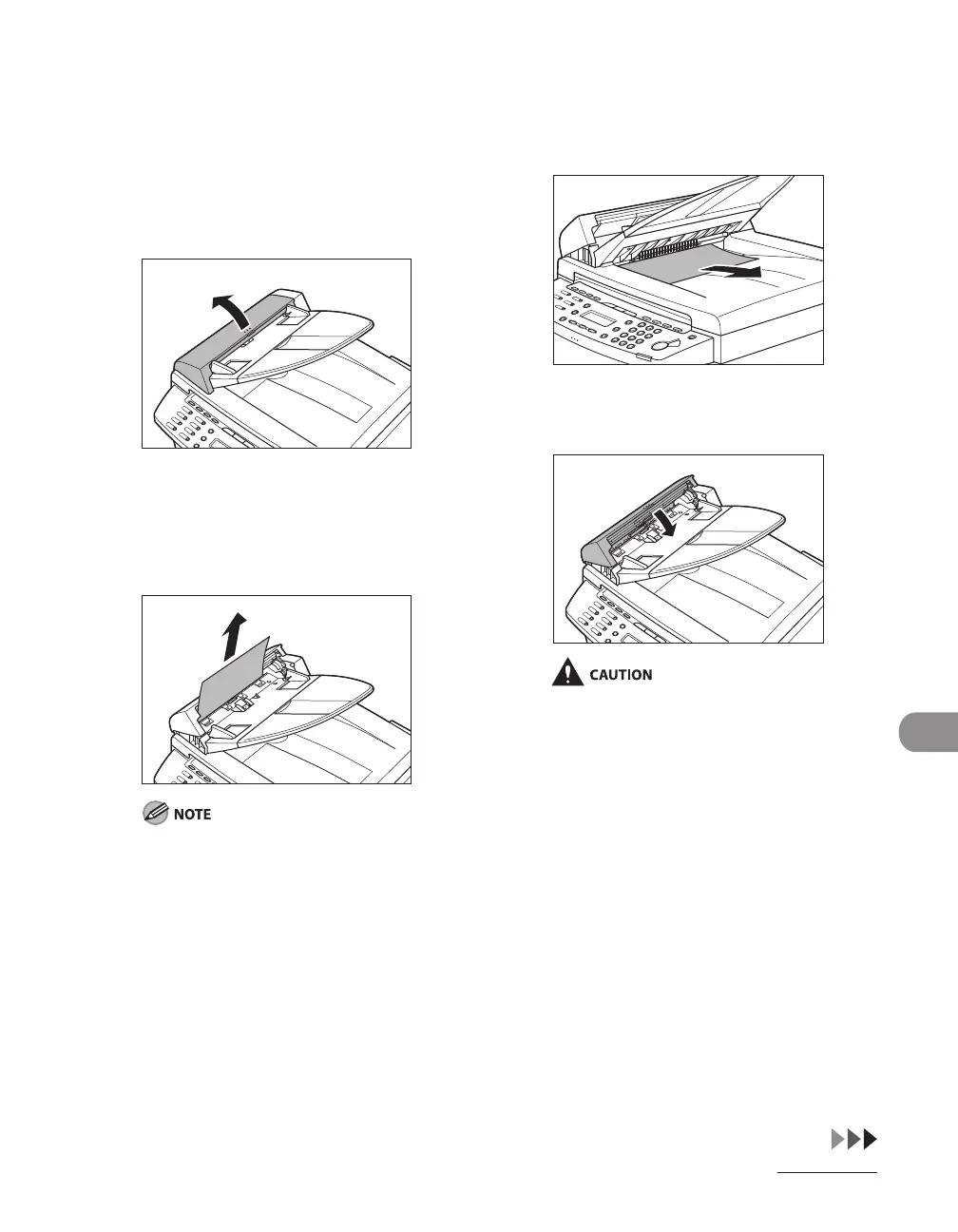
1 Open the ADF cover.
2 Hold both sides of any jammed
documents and gently pull them
out straight upward.
Do not pull the document forcefully as it may
tear.
3 Hold both sides of any jammed
documents and gently pull them
out.
4 Close the ADF cover.
Be careful not to get your fingers caught.












 To Next Page