Printing
6-4
Collate Printing
You can print documents collated into sets arranged in page order. For example, when
printing multiple copies of a 3-page document, the print order is 1, 2, 3, 1, 2, 3, and so on.
1 From an open document on an application, click [File] [Print].
2 Select the printer icon for the machine ([Canon MF4200 Series UFRII LT]), then
click [Preferences] or [Properties] to open the dialog box.
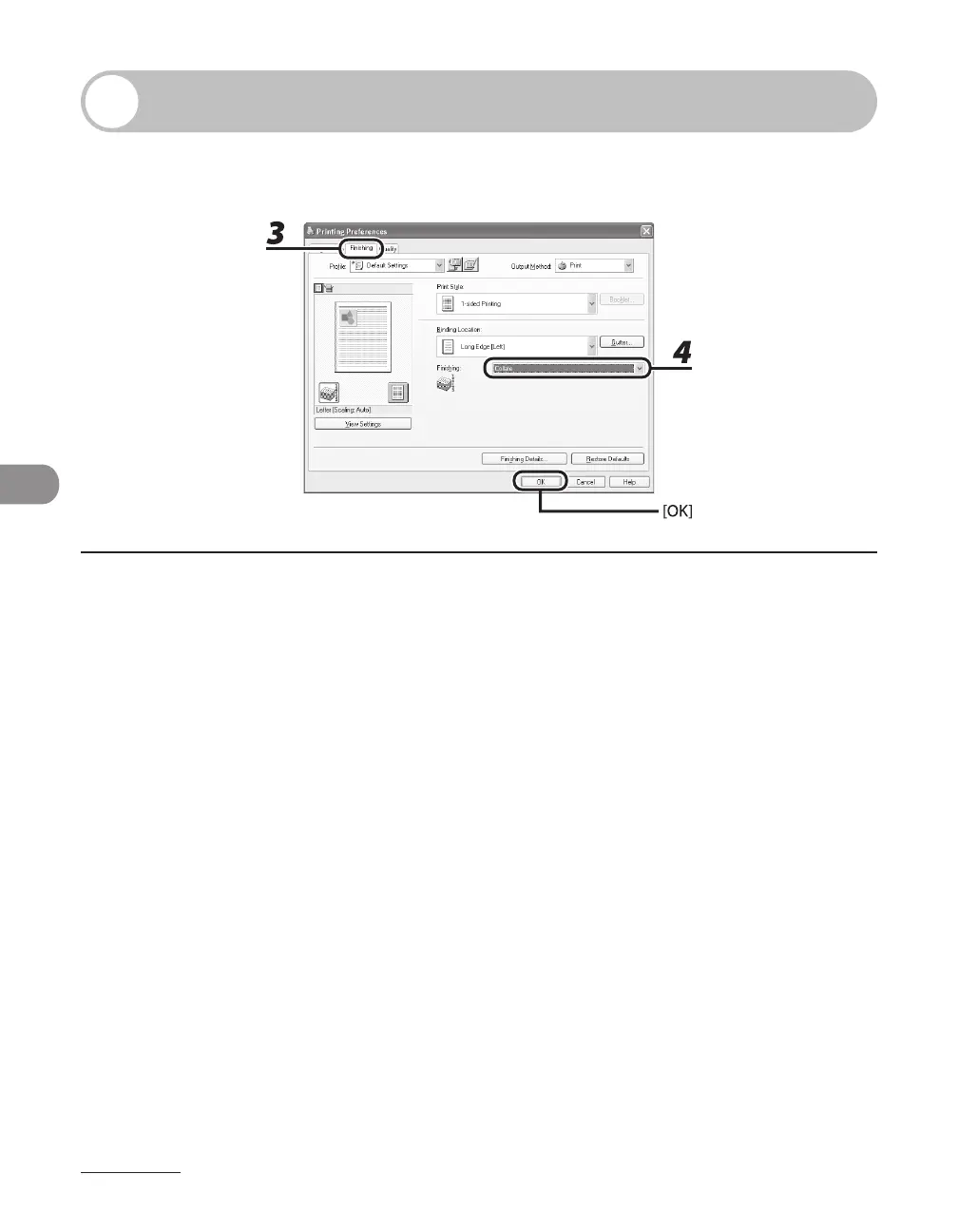
3 Click the [Finishing] tab.
4 For [Finishing], select [Collate], then click [OK].
5 On the [Print] dialog box, click [Print] or [OK].












 To Next Page