Copying
3-4
Scan Settings
Before pressing [Start] to begin copying, you can adjust the settings to better suit the
document to be scanned. These settings return to the default values if the machine
remains idle for a certain period of time or if you press [Stop/Reset].
Image Quality
The default setting is <TEXT/PHOTO>.
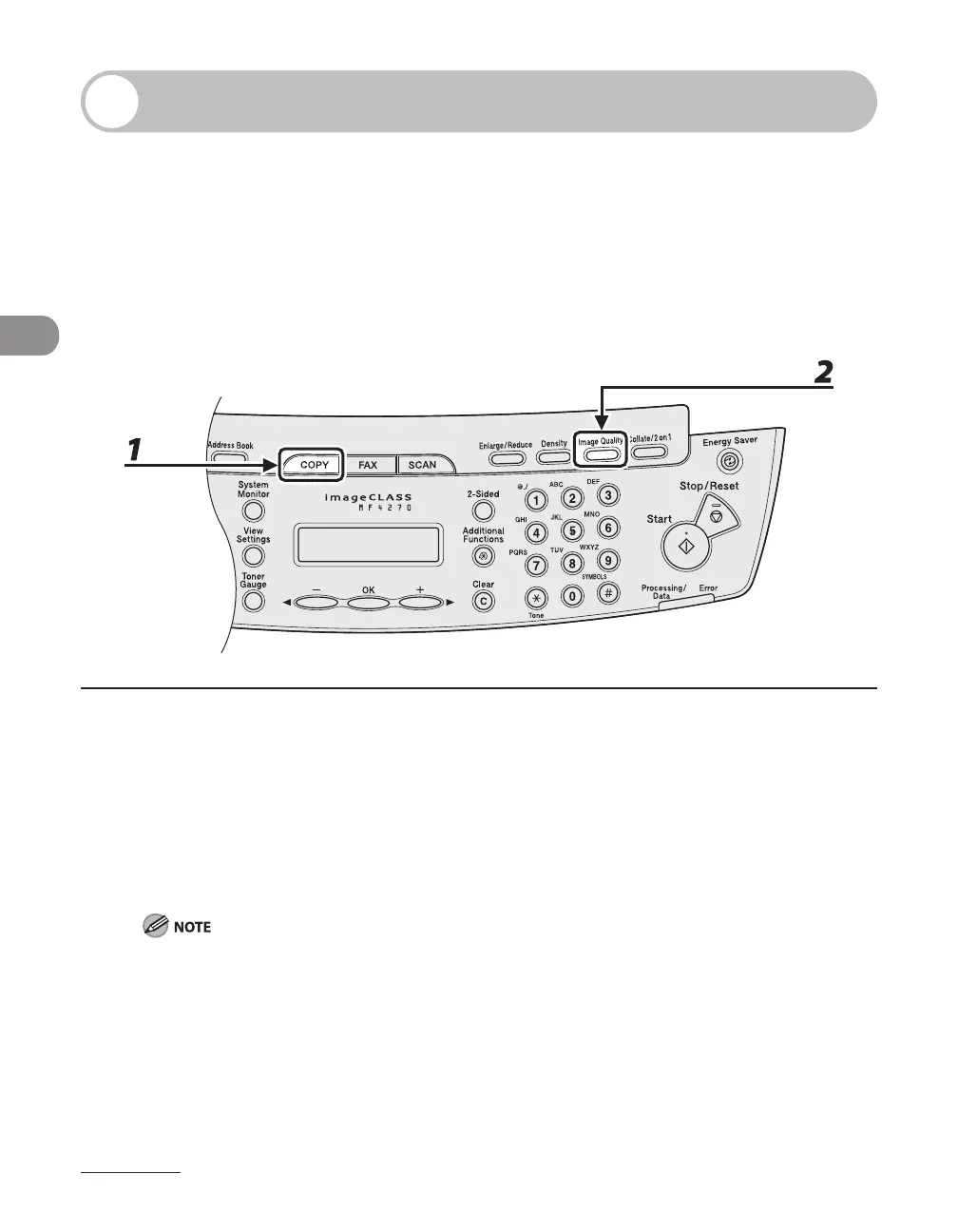
1 Press [COPY].
2 Press [Image Quality] repeatedly to select the document type.
<TEXT/PHOTO>: For documents that contain text and photos.
<TEXT>: For text documents.
<PHOTO>: For documents that contain fine text or photos.
<TEXT/PHOTO+>: For documents that contain fine text and photos.
Copy density automatically changes to the manual mode when <TEXT/PHOTO>, <PHOTO> or <TEXT/
PHOTO+> is set.












 To Next Page