4-37
Sending Faxes
Checking and Deleting Fax Documents Stored in Memory
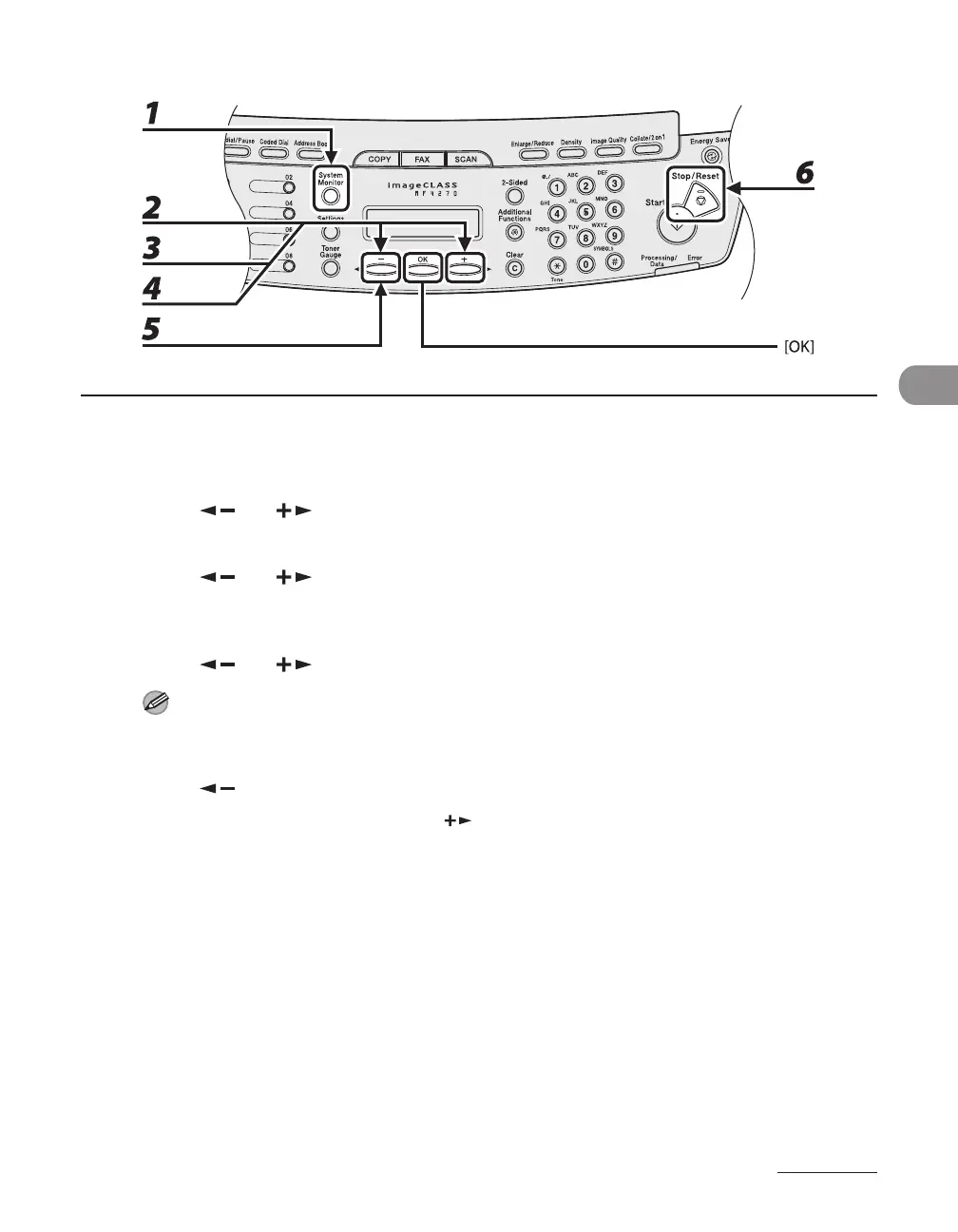
1 Press [System Monitor].
2 Press [ ] or [ ] to select <TX STATUS>, then press [OK].
3 Press [ ] or [ ] to scroll through the job list.
If you want to delete the job, go to step 4. Otherwise, press [Stop/Reset] to return to the standby mode.
4 Press [ ] or [ ] to select the desired job, then press [OK].
For <BROADCAST>, all recipients entered for a broadcasting job will be canceled.
5 Press [ ] to select <YES>.
If you do not want to cancel the job, press [ ] to select <NO>.
6 Press [Stop/Reset] to return to the standby mode.












 To Next Page