Sending Faxes
4-2
Basic Sending Method
Follow this procedure to send faxes.
For advanced sending features, see Chapter 4, “Sending and Receiving,” in the
Reference Guide.
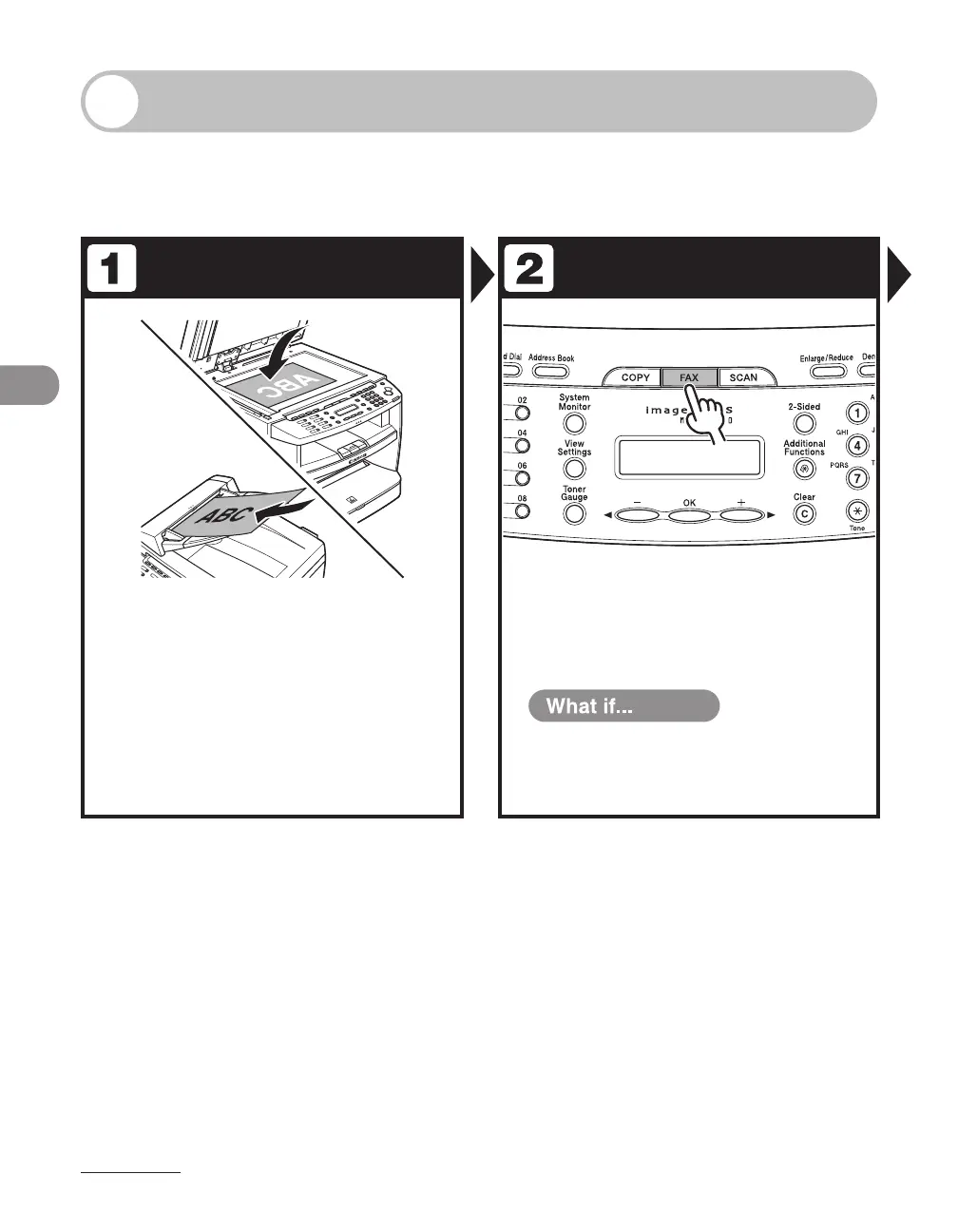
Set a Document Enter the Fax Mode
Place the document on the platen
glass or load it in the ADF.
For documents you can send, see “Document
Requirements,” on p. 2-2.
Press [FAX].
The FAX indicator lights up and the machine enters the
fax standby mode.
You want to adjust the image quality
and density :
See “Scan Settings,” on p. 4-4.
●












 To Next Page