Document and Paper
2-12
Loading Paper
To load paper in the paper cassette, see “Set Up the Machine,” in the Starter Guide.
Into the Multi-Purpose Tray
Use the multi-purpose tray when you want to copy or print on the different paper which is
in the paper cassette. Load paper one by one in the multi-purpose tray.
The paper in the multi-purpose tray is fed prior to the paper in the paper cassette.
The recommended envelopes are COM10 (#10), MONARCH, DL, and ISO-C5. Using other envelopes may affect
the quality of the printout.
Make sure to set the correct paper size in the printer driver. (See Online Help.)
When printing received documents or reports, paper can be fed only from the paper cassette. If paper is
loaded into the multi-purpose tray, <REMOVE MP PAPER> appears.
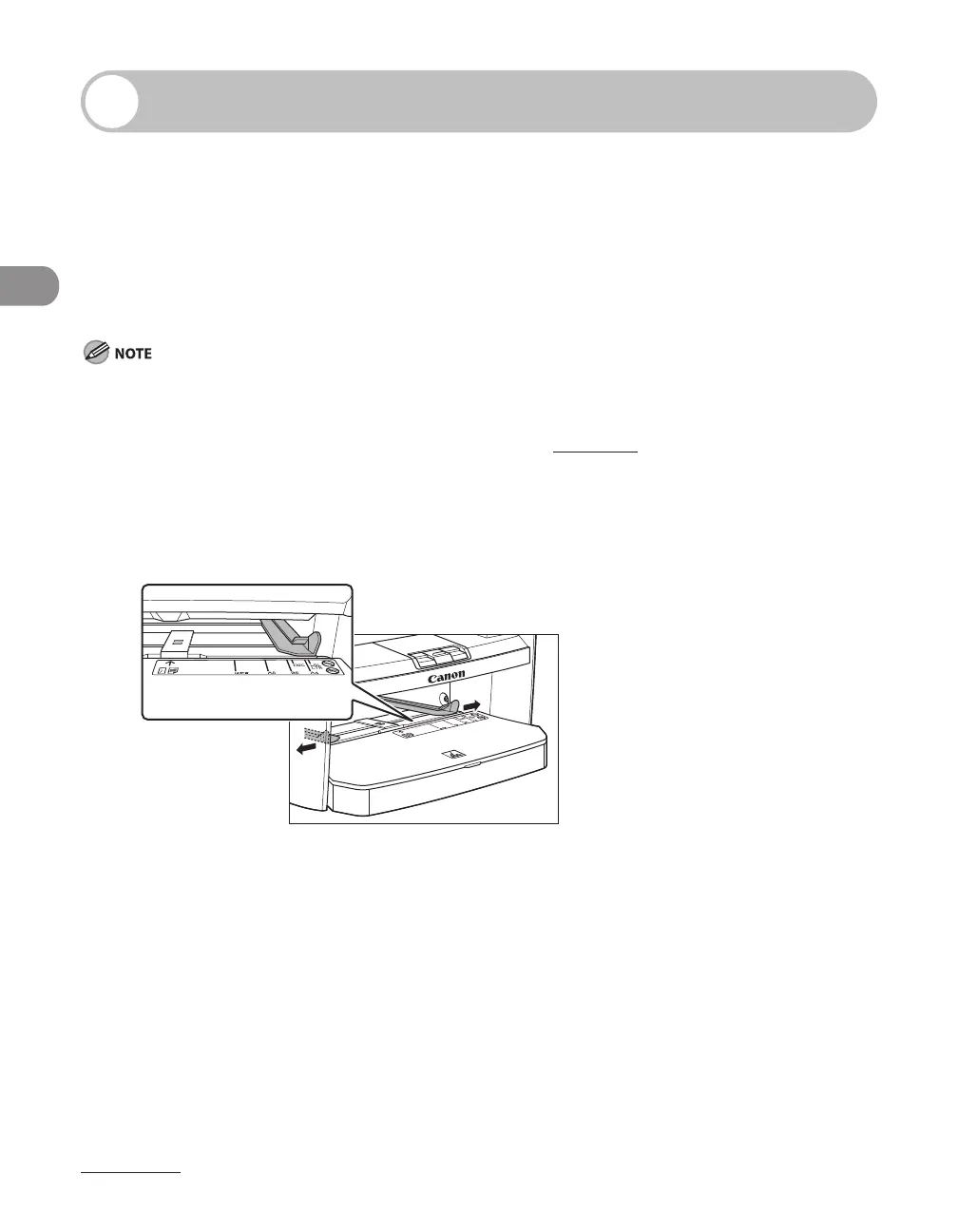
1 Spread the paper guides a little wider than the actual paper width.
–
–
–
–












 To Next Page