Printing
6-6
Two-Sided Printing
Two-sided printing enables you to make two-sided printouts.
1 From an open document on an application, click [File] [Print].
2 Select the printer icon for the machine ([Canon MF4200 Series UFRII LT]), then
click [Preferences] or [Properties] to open the dialog box.
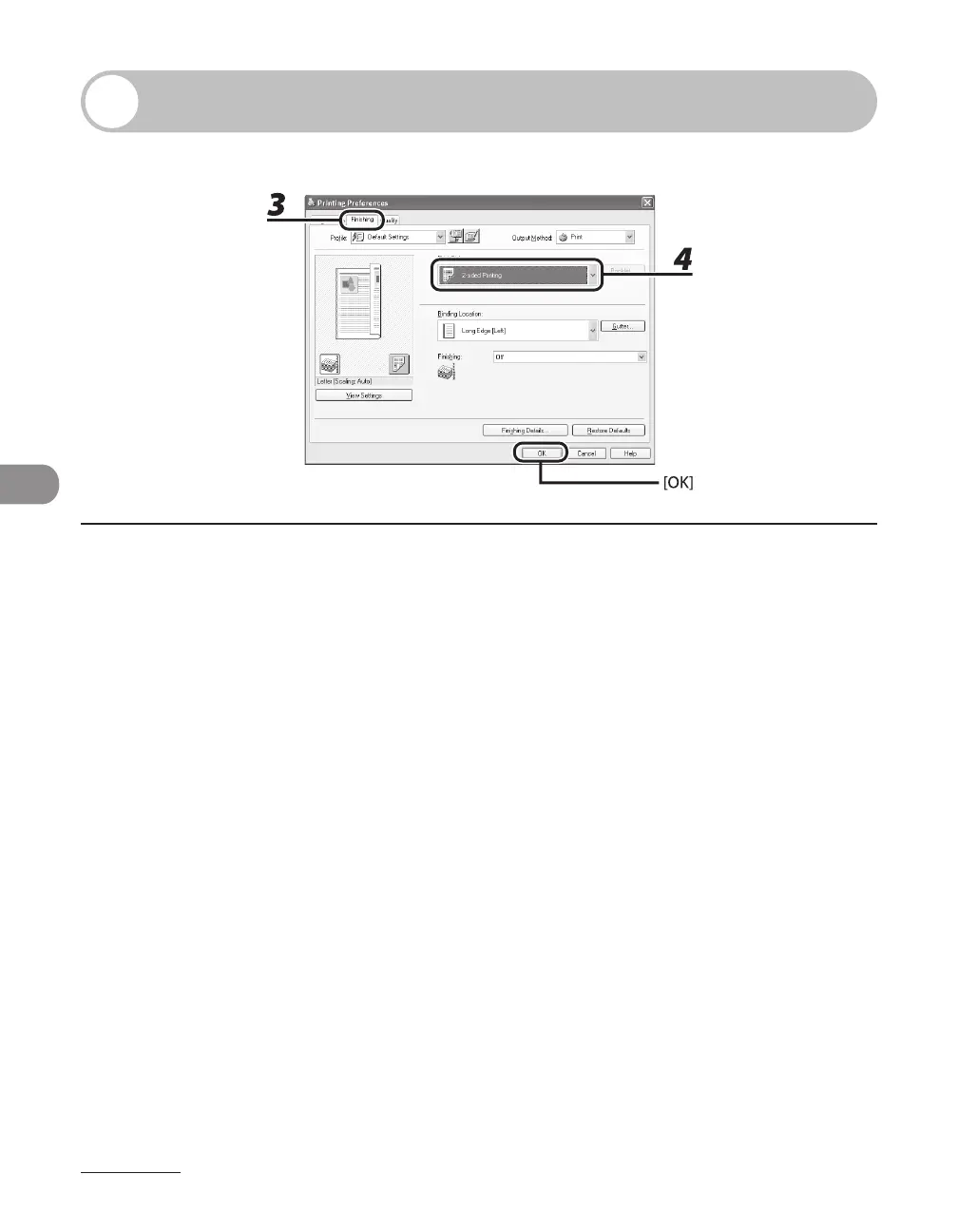
3 Click the [Finishing] tab.
4 For [Print Style], select [2-sided Printing], then click [OK].
5 On the [Print] dialog box, click [Print] or [OK].












 To Next Page