Sending Faxes
4-28
Using Address Book Key
Address book dialing enables you to search for a particular recipient registered in the
machine. This is useful when you forget which one-touch speed dialing key or coded speed
dialing the recipient you want is registered under.
You can either go through all the recipients registered in the machine (LIST), or look up a
particular one by their name (SEARCH).
Listing All Recipients
1 Set documents.
Place the first page on the platen glass if you are not using the ADF.
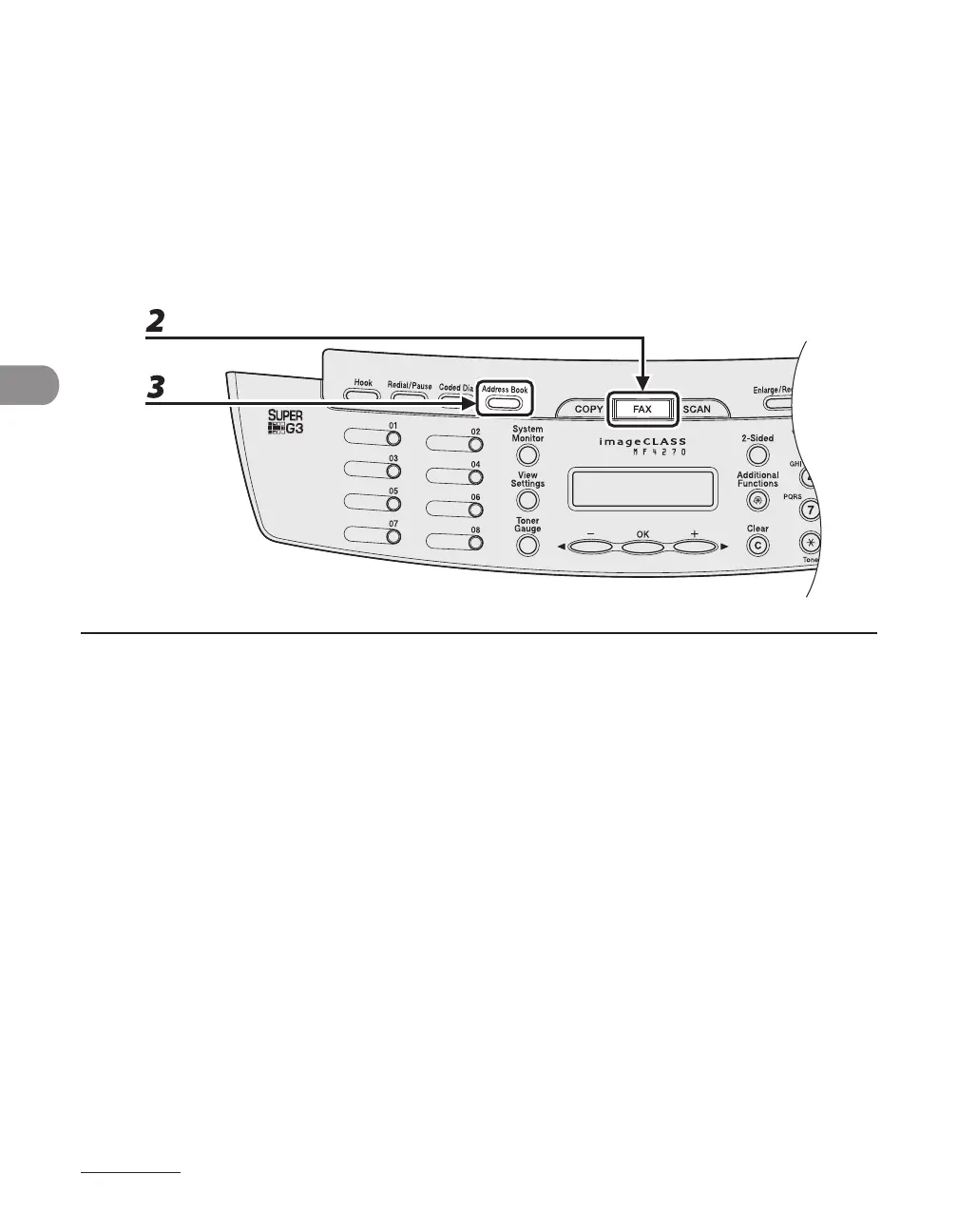
2 Press [FAX].
If you want to adjust the image quality and density, see “Scan Settings,” on p. 4-4.
3 Press [Address Book].
If no recipient is registered for speed dialing, <NOT REGISTERED> is displayed.
●












 To Next Page