4-33
Sending Faxes
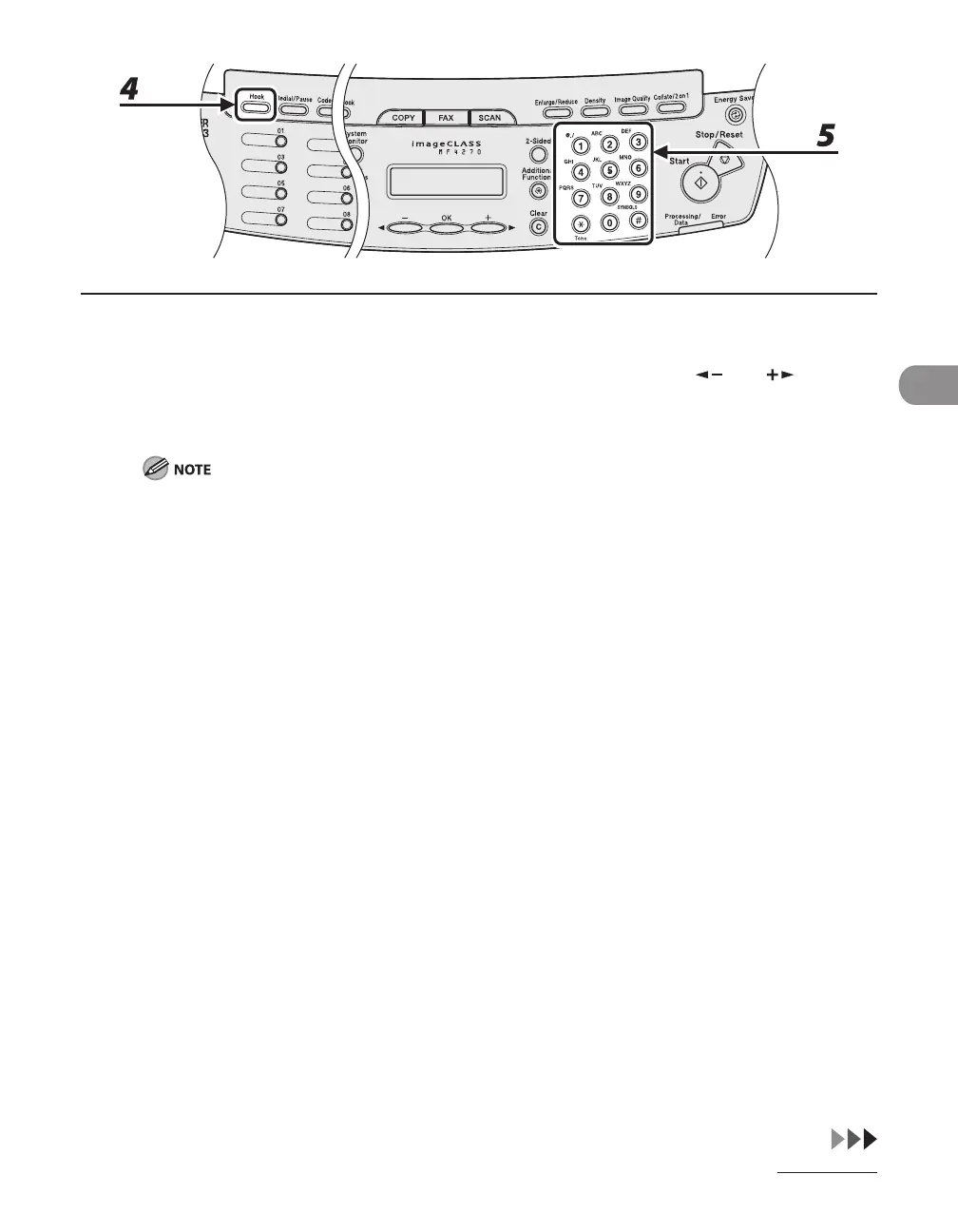
4 Press [Hook] or pick up the handset of your external telephone.
If you press [Hook], you can temporarily adjust the monitor tone volume with [ ] and [ ].
5 Dial the recipient's fax/telephone number.
Make sure to confirm the dial tone before entering a fax/telephone number. If you enter the number
before the dial tone can be heard, the call may not connect, or the wrong number may be dialed.












 To Next Page