7-3
Scanning
Set Scan Function Start Scanning
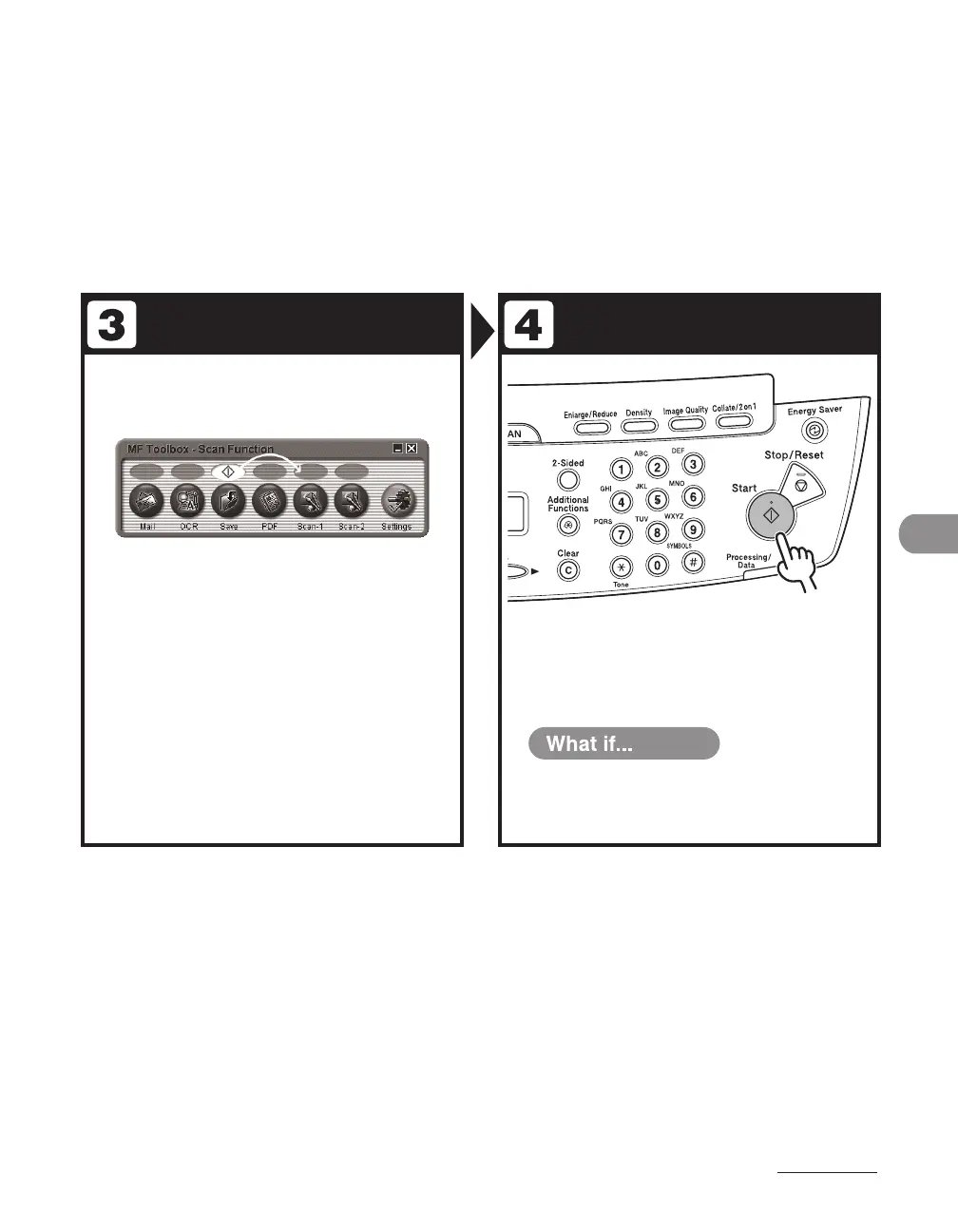
Start MF Toolbox, then select the scan
format.
The mark will be displayed above the button you select.
Press [Start].
You want to cancel scanning:
Press [Stop/Reset] on the operation panel,
then click [OK] on the computer screen.
●












 To Next Page