Troubleshooting
11-6
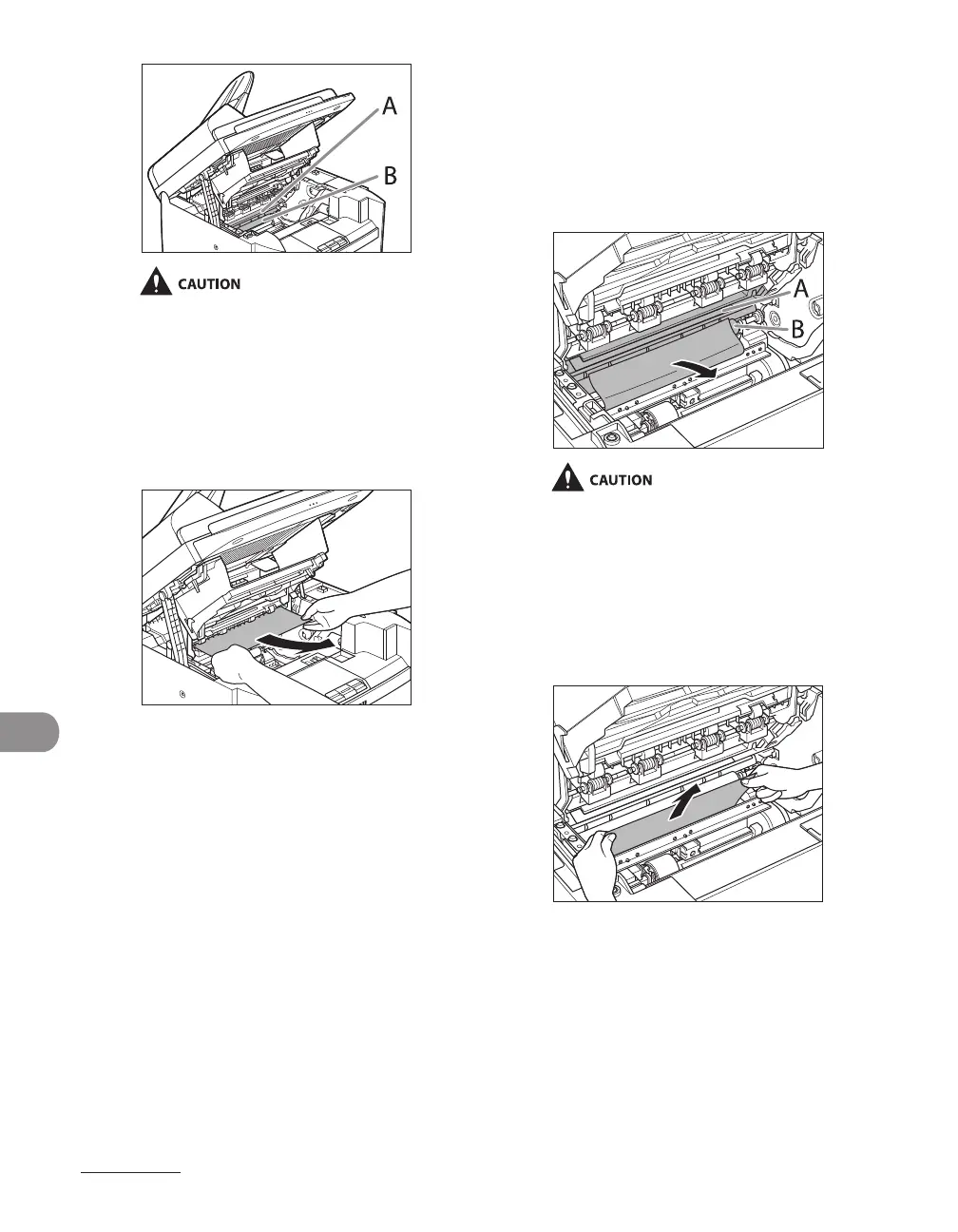
Do not touch the fixing assembly (A) as it
becomes very hot during use.
Do not touch the transfer roller (B) as this
can damage the machine.
6 Hold both sides of the jammed
paper and gently pull it out.
–
–
7 Gently pull the jammed paper
between the fixing assembly (A)
and transfer roller (B) until the
leading edge emerges from the
machine.
Do not touch the fixing assembly (A) as it
becomes very hot during use.
Do not touch the transfer roller (B) as this
can damage the machine.
8 Hold both sides of the jammed
paper and carefully pull it out.
–
–












 To Next Page