1-21
Before Using the Machine
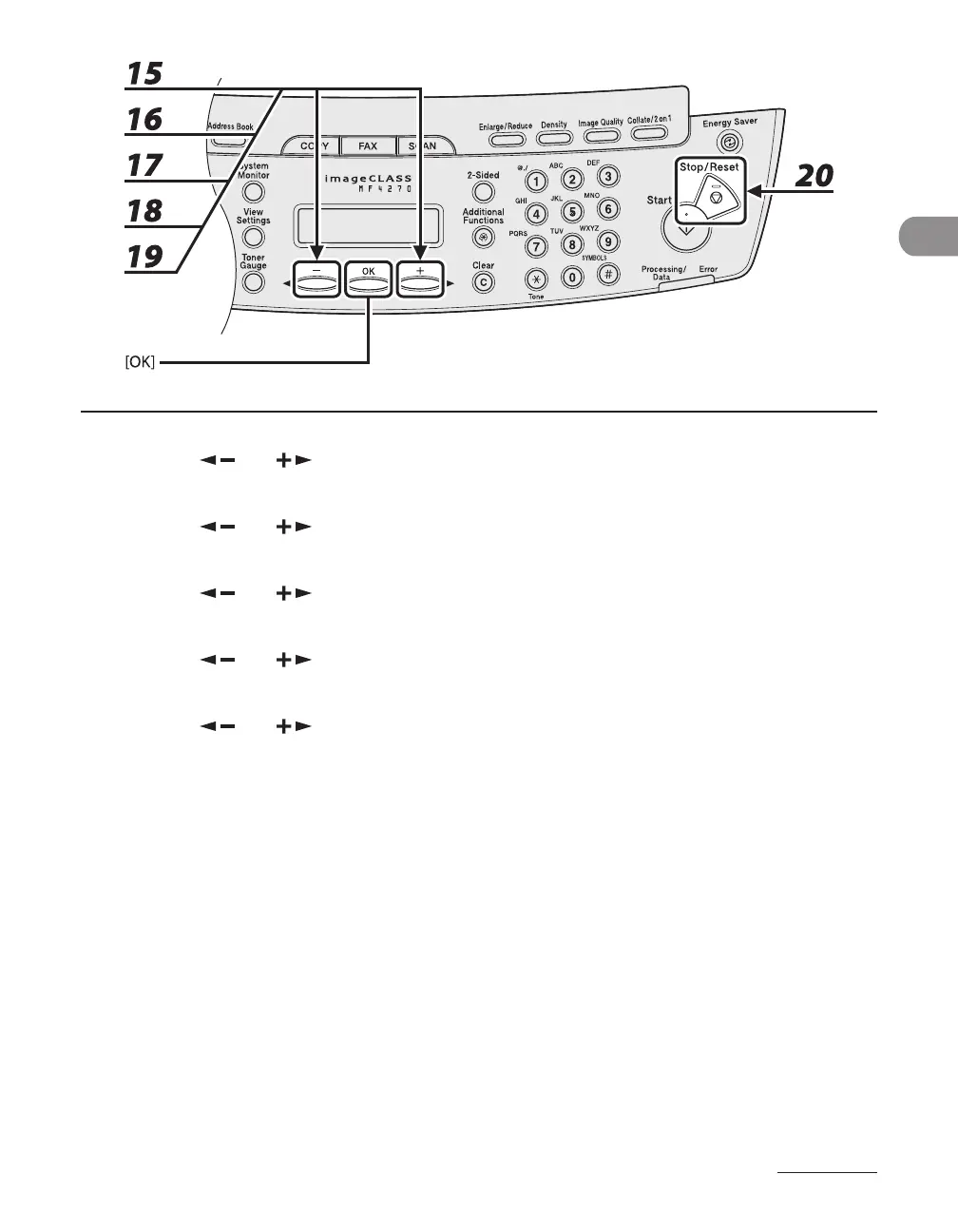
15 Press [ ] or [ ] to select the month, then press [OK].
16 Press [ ] or [ ] to select <WEEK>, then press [OK].
17 Press [ ] or [ ] to select the week, then press [OK].
18 Press [ ] or [ ] to select <DAY>, then press [OK].
19 Press [ ] or [ ] to select the day, then press [OK].
20 Press [Stop/Reset] to return to standby mode.












 To Next Page