Paper Handling
Chapter 2 Paper Handling 17
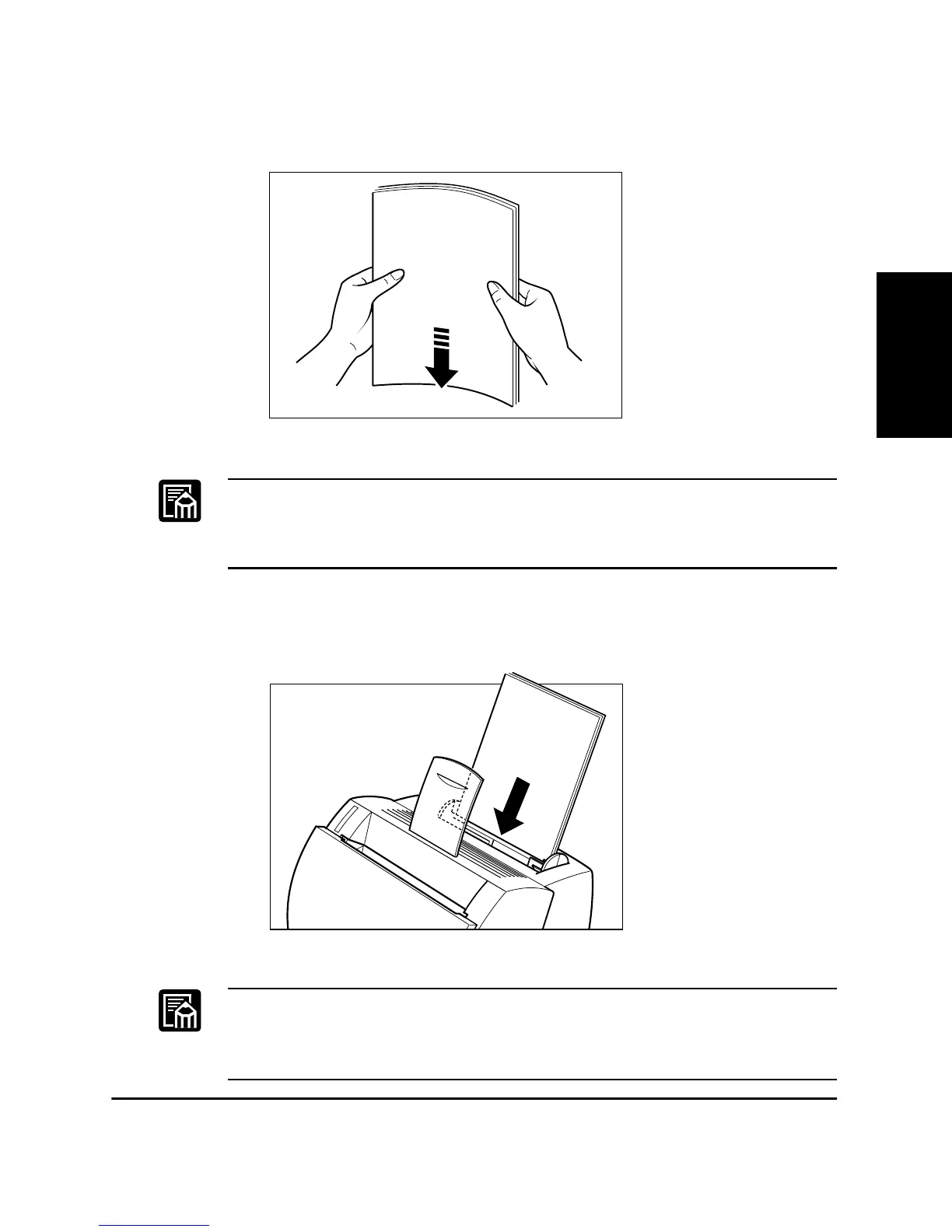
1. Prepare a stack of paper and tap it on a flat surface to properly align
the edges.
❏ Do not fan the paper, or printing problems might occur.
❏ When using transparencies, slightly fan the stack of transparencies
before loading them in the MP tray to prevent feed failures.
2. Align the stack of paper so that the side to be printed on faces the
front of the printer. The top edge of the paper stack should be toward
the bottom of the MP tray. Slide the stack in until it stops.
❏ Do not force the paper into the printer.
❏ Do not load more than 125 sheets of 75 g/m
2
plain paper, or a stack of
any paper higher than 12.5 mm.
This side
will be
printed on.











 To Next Page