38 Using the Canon Advanced Printing Technology Chapter 3
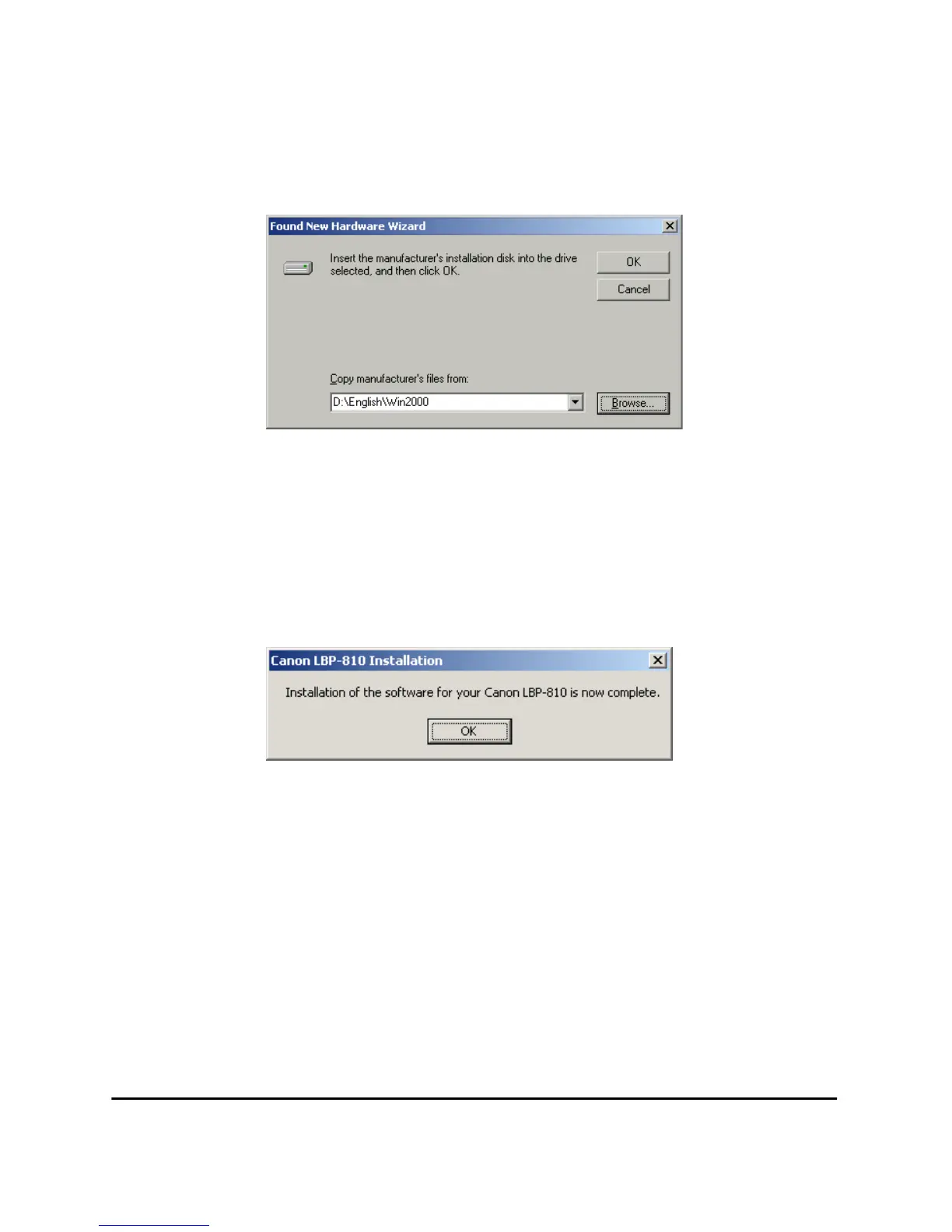
5. The Found New Hardware Wizard dialog box appears. Click
Browse… to select the driver in the language that you want to install.
For example, if your CD-ROM drive is drive D:, brows to
D:\English\Win2000, then click OK.
Click Next > on Driver Files Search Results.
Click Ye s if the Digital Signature Not Found dialog box appears.
6. When the installation is complete, the following dialog box appears.
Click OK to close the dialog box. Click Finish on the Found New
Hardware Wizard.












 To Next Page