➠ The CSR le is stor
ed on the computer.
9
Attach the stored le and submit the application to the certication authority
.
Registering a Certicate to a Ke
y
The key with the CSR generated cannot be used until the certicate issued from the certicate authority based on the
CSR is registered in the key. Once the certication authority has issued the certicate, register it using the procedure
below.
1
Start the Remote UI and log in to System Manager Mode.
Starting Remote
UI(P. 334)
2
Click [Settings/Registration] on the Portal page. Remote UI Screen(P. 335)
3
Select [Security Settings]
[Key and Certicate Settings].
4
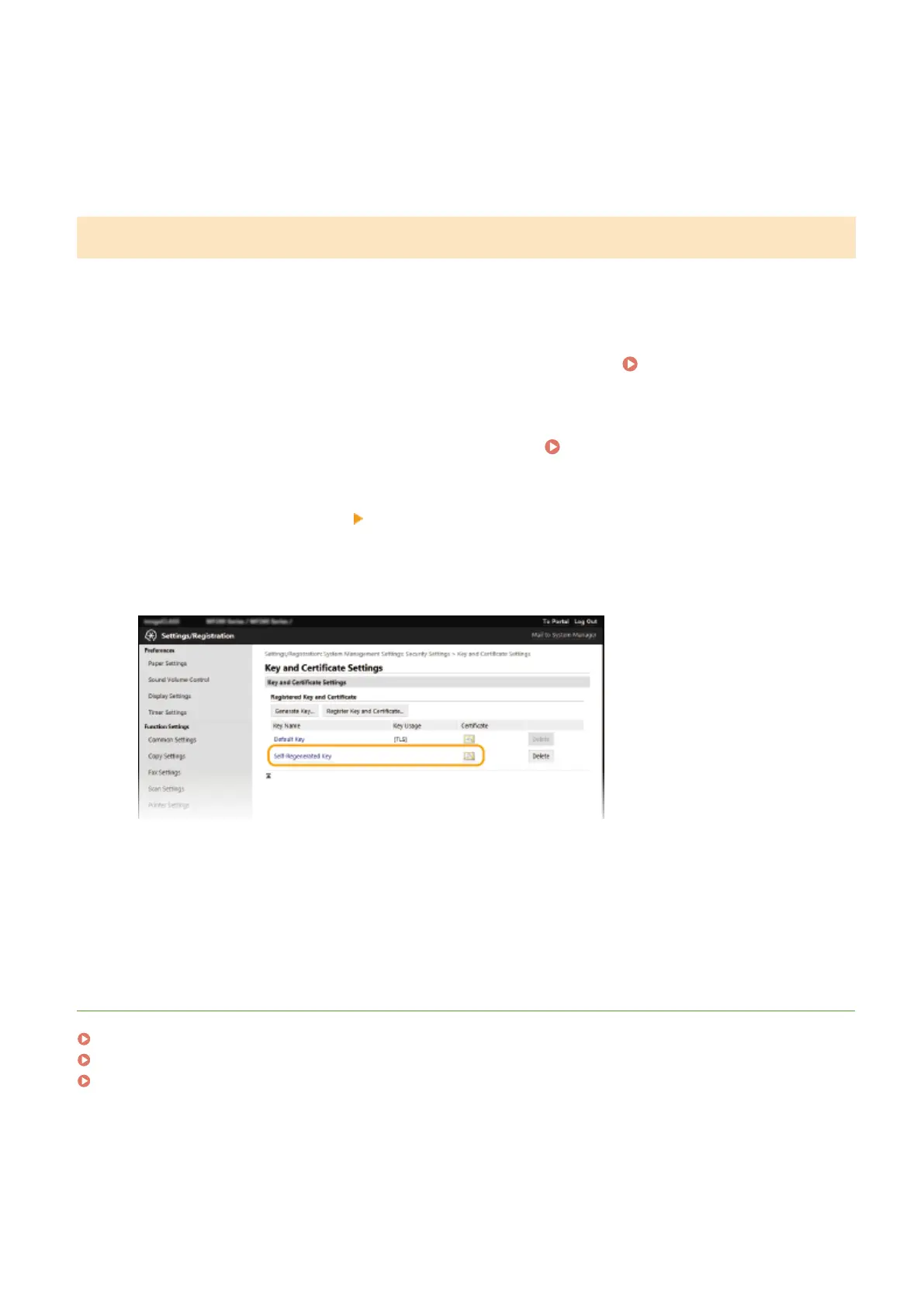
Click [Key Name] or [Certicate] r
equired to register the certicate.
5
Click [Register Certicate].
6
Click [Browse], specify the le for the certicate signing r
equest, and click [Register].
LINKS
Conguring the Ke
y and Certicate for TLS(P. 307)
Generating the Key and Certicate for Network Communication
(P. 309)
Registering the Key and Certicate for Network Communication
(P. 315)
Managing the Machine
314












 To Next Page