Paper Jams inside the Machine
2KUS-093
Remo
ve the jammed paper according to the procedure below. Do not forcibly remove jammed paper from the
machine. If the jammed paper cannot be removed easily, proceed to the next step.
1
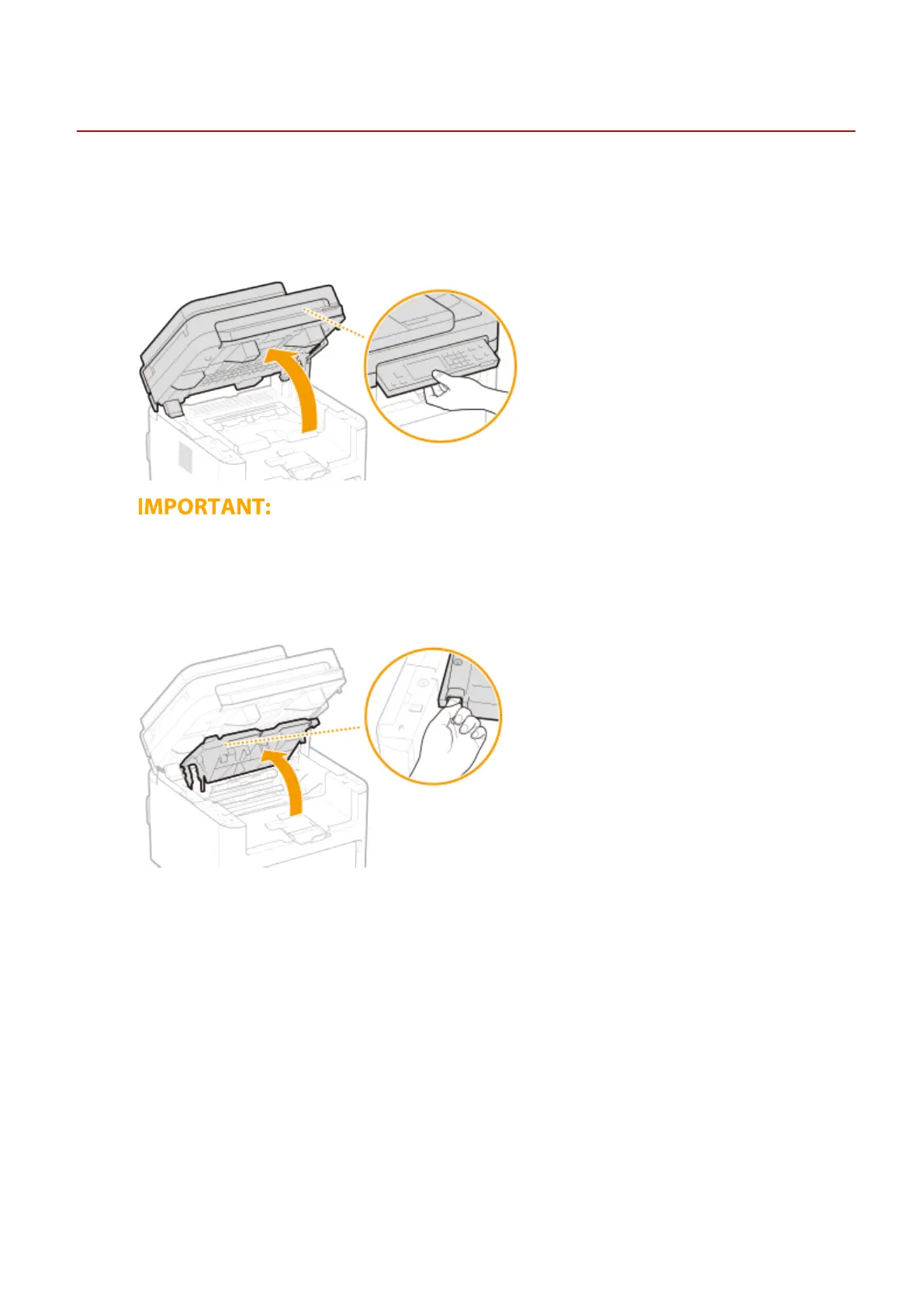
Lift the operation panel.
● The operation panel cannot be opened if the feeder is not completely closed. Forcing the operation panel up
may cause damage.
2
Open the toner cover.
3
Remove the cartridges.
1
Remove the toner cartridge.
Troubleshooting
515












 To Next Page