Procedure for Setting to Send E-Mail
2KUS-01J
Befor
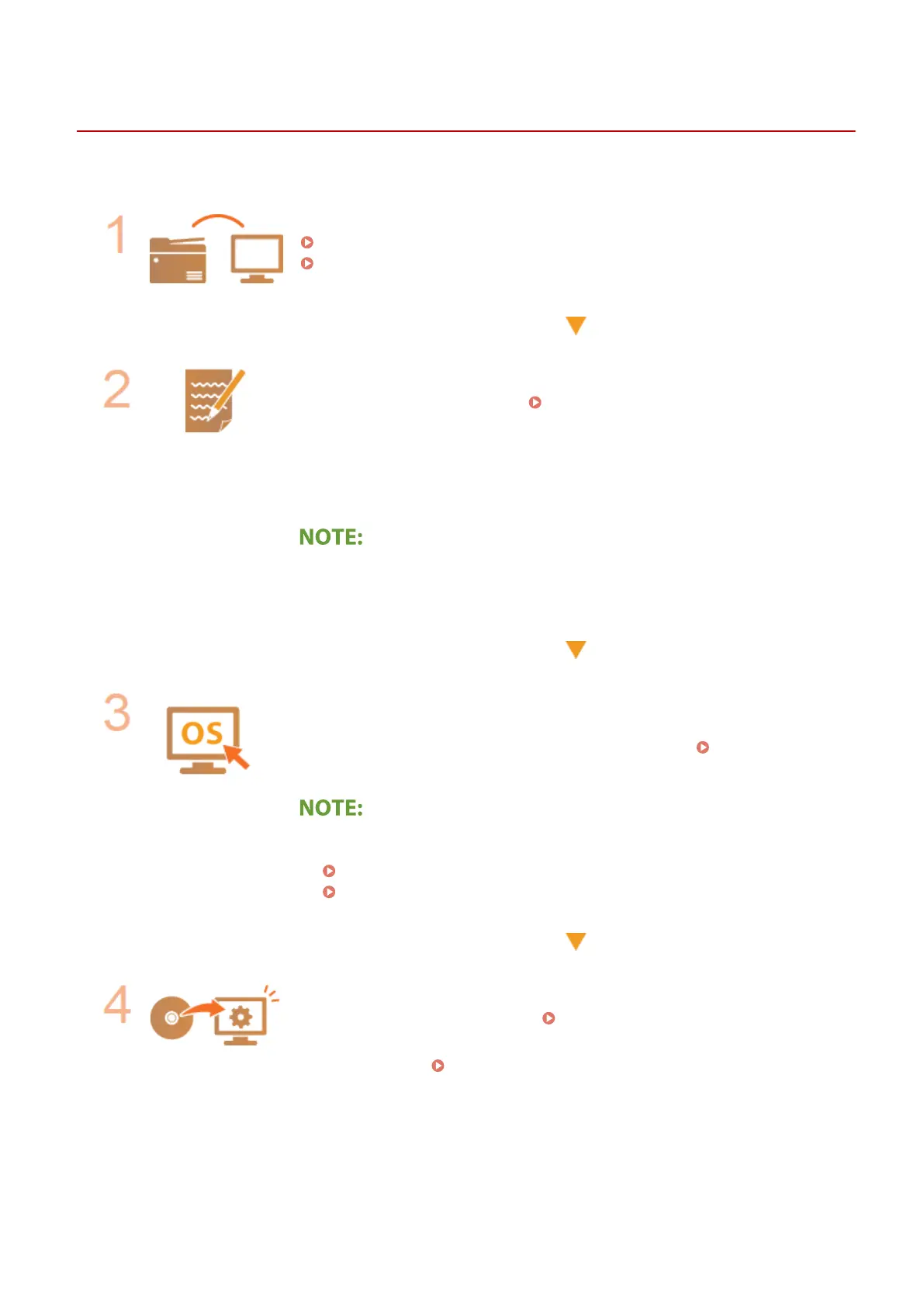
e conguring the machine for scanning to e-mail, check the setup ow shown below.
Make sure that the machine and the computer are correctly connected.
Connecting to a Wireless LAN(P. 18)
Connecting to a Wired LAN(P. 17)
Make sure that you have the following information:
● The IP addr
ess of the machine.
Viewing Network Settings(P. 38)
● An e-mail addr
ess to be registered as a destination.
● Information about the e-mail server, including the SMTP server name, port
numbers, whether authentication is required, and the user name and password
for authentication.
● For mor
e information about the e-mail server settings, contact your Internet
service provider or Network Administrator.
Make sure that the computer meets the system requirements for the Send
Function Setting T
ool (sending e-mail).
● System requirements for the Send Function Setting Tool
System
Envir
onment(P. 546)
● Also mak
e sure that <Use HTTP> and <Use Remote UI> are set to <On>.
Disabling HTTP Communication(P. 331)
Disabling Remote UI(P. 332)
Set the machine congur
ation.
● Conguring Basic E-Mail Settings
Conguring Basic E-Mail Settings
(P. 79)
● Conguring Detailed E-Mail Communication Settings (Authentication,
Encryption, etc.)
Conguring E-Mail Communication Settings
(P. 82)
Setting Up
78











 To Next Page