Conguring E-Mail Communication Settings
2KUS-01L
Use the Remote UI to congur
e the detailed send settings, such as the settings for POP authentication and encryption
of communication before you send e-mail. Contact your provider or network administrator for the required settings.
● For mor
e information about the basic operations to be performed when setting the machine from the
Remote UI, see
Setting Up Menu Options from Remote UI(P. 343) .
1
Start the Remote UI and log in to System Manager Mode. Starting Remote
UI(P
. 334)
2
Click [Settings/Registration] on the Portal page.
Remote UI Screen(P. 335)
3
Select [Network Settings] [E-Mail Settings].
4
Click [Edit].
5
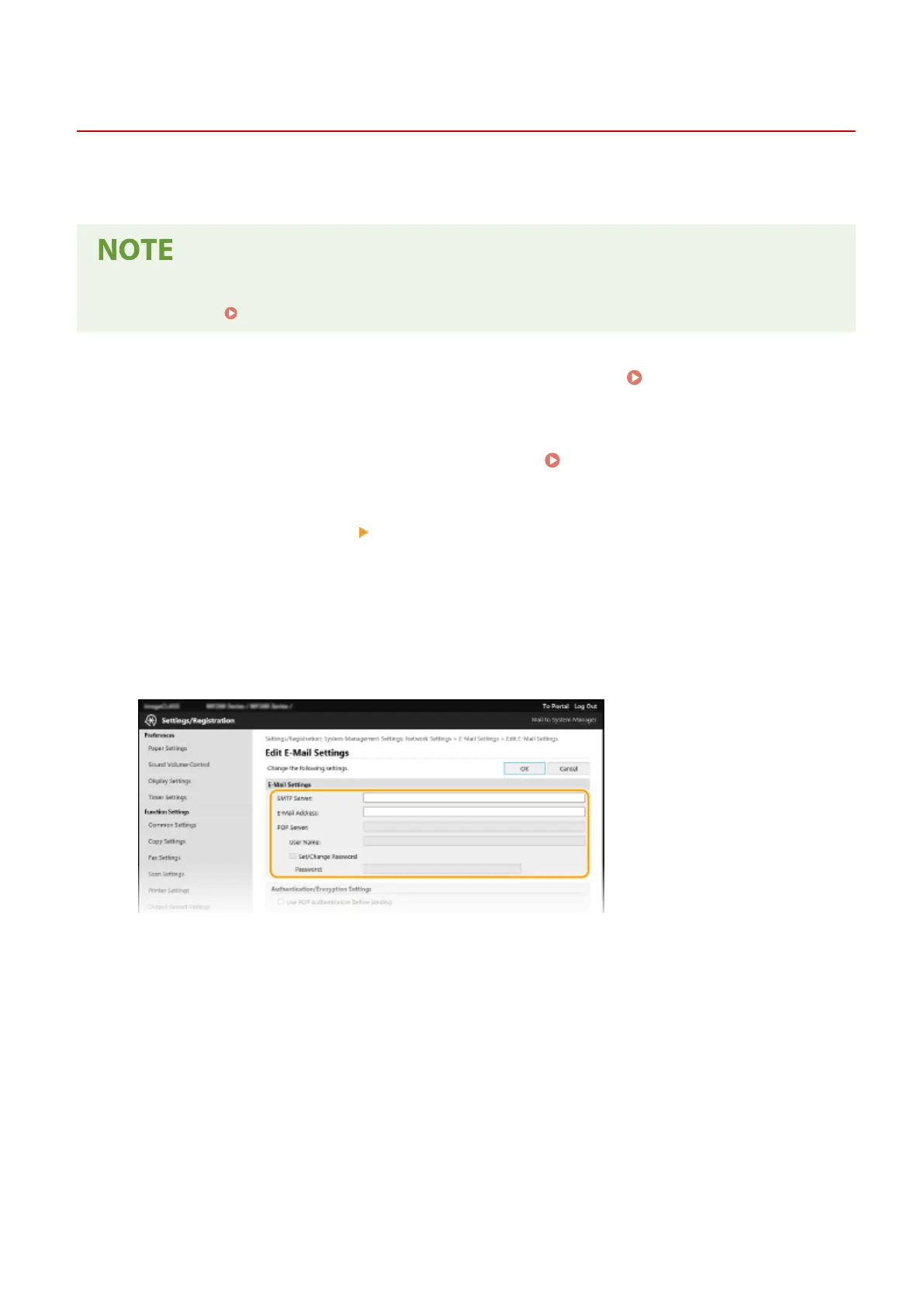
Specify the required settings.
[SMTP Server]
Enter alphanumeric characters as the SMTP server name (or IP address) for sending e-mail.
[E-Mail Address]
Enter alphanumeric characters for the e-mail address that you want to use for the machine.
[POP Server]
Enter alphanumeric characters as the POP3 server name or IP address for sending e-mail.
[User Name]
Enter alphanumeric characters as the user name for the specied e-mail account when a POP3 server is used.
[Set/Change Password]
To set or change the password when a POP3 server is used, select the check box and enter alphanumeric
characters in [Password].
Setting Up
82












 To Next Page