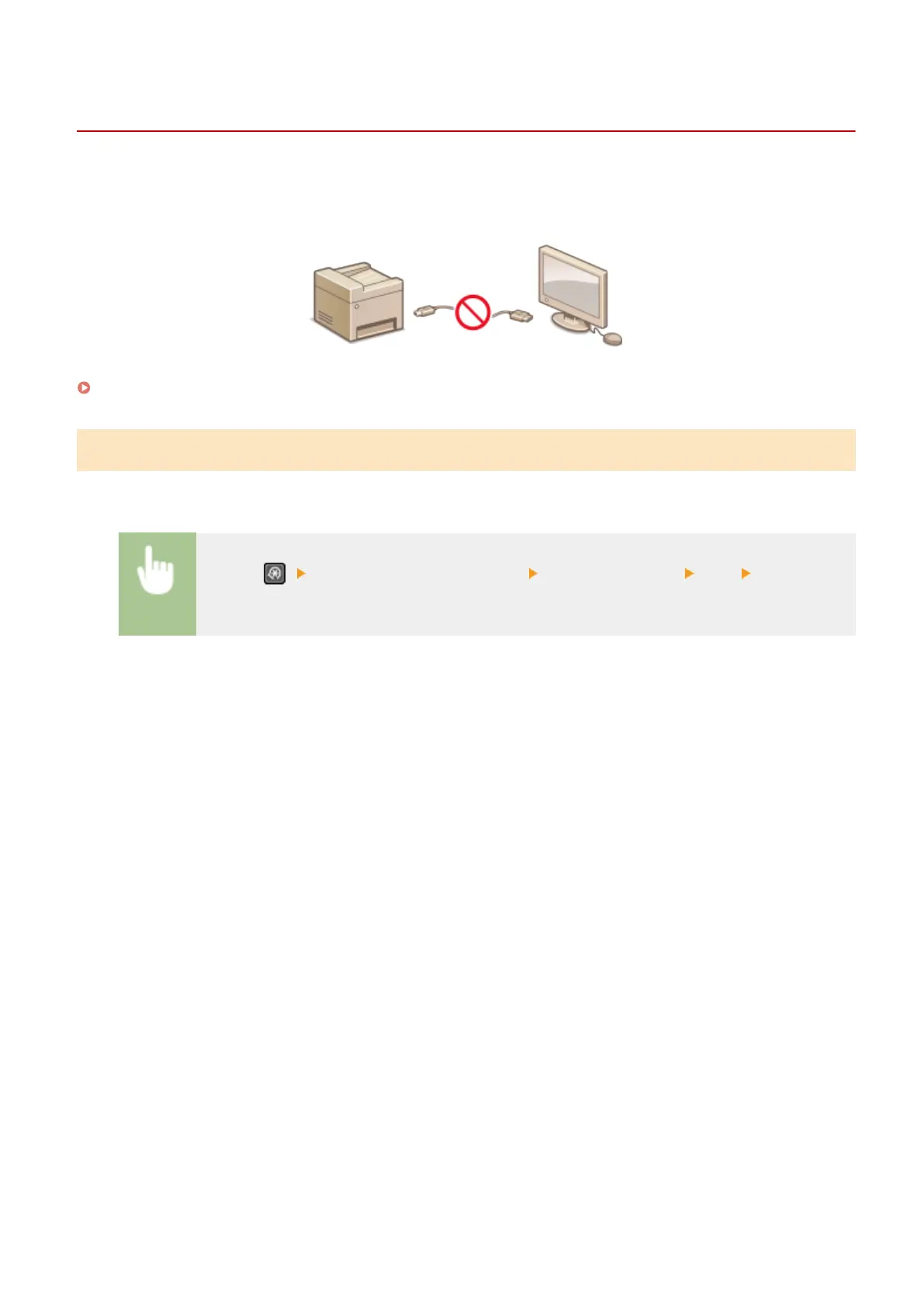
Restricting USB Functions
2KUS-06Y
USB is a convenient way of connecting peripher
al devices and storing or relocating data, but USB can also be a source
of information leakage if it is not properly managed. This section describes how to restrict connection via the USB port
of the machine.
Restricting the USB Connection with a Computer(P. 330)
Restricting the USB Connection with a Computer
You can disable the USB port that is used for connecting the machine to a computer. If this port is disabled, the
machine cannot communicate with a computer via USB.
<Menu> ( ) <System Management Settings> <Use as USB Device> <Off> Restart the
machine
Managing the Machine
330











 To Next Page