<Printer Settings>
2KUS-07U
All the settings r
elated to the printer are listed with descriptions. Default settings are marked with a dagger (
).
<Action When Paper Size Mismatch> (P. 405)
<Image Quality Settings for Mobile Print>(P. 405)
<Copies>(P. 406)
<2-Sided Printing>(P. 406)
<Default Paper>(P. 406)
<Print Quality>(P. 407)
<Layout>(P. 408)
<Timeout>(P. 409)
<PCL>(P. 409)
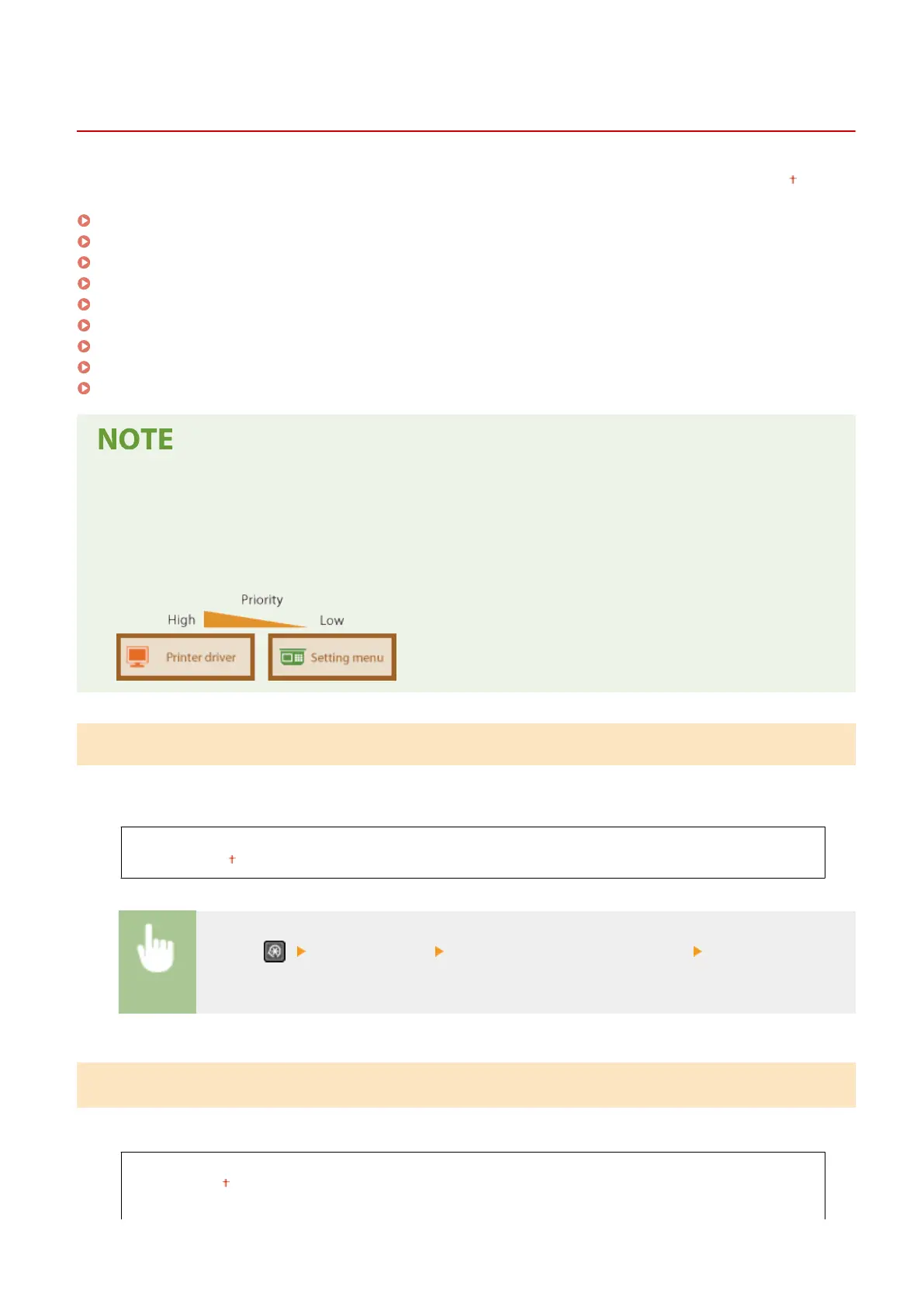
Priority of settings
● If a print setting is specied both fr
om the printer driver and the operation panel of the machine, the
specication from the printer driver overrides that from the operation panel. The specication from the
operation panel becomes effective in some specic cases, such as when printing from UNIX or other
operating system that does not support printer drivers.
<Action When Paper Size Mismatch>
Set whether printing goes ahead if a paper size other than the size loaded in the dr
awer is selected. You can also set
the machine not to go ahead with printing and instead display an alert message.
<Force Output>
<Display Err
or>
<Menu> ( ) <Printer Settings> <Action When Paper Size Mismatch> Select <Force Output>
or <Display Err
or>
<Image Quality Settings for Mobile Print>
Select the image pr
ocessing when printing from a mobile device.
<Halftone>
<Gr
adation>
<Error Diffusion>
Setting Menu List
405











 To Next Page