<Menu> ( ) <Printer Settings> <Print Quality> <Resolution> Select <1200 dpi> or <600
dpi>
<Density Fine Adjustment>
Finely adjust the density. You can specify this setting only when <1200 dpi> is selected in <Resolution>.
<-1>
<0>
<+1>
<Menu> ( ) <Printer Settings> <Print Quality> <Density Fine Adjustment> Specify the
density
<Layout>
Specify the page layout settings such as binding position.
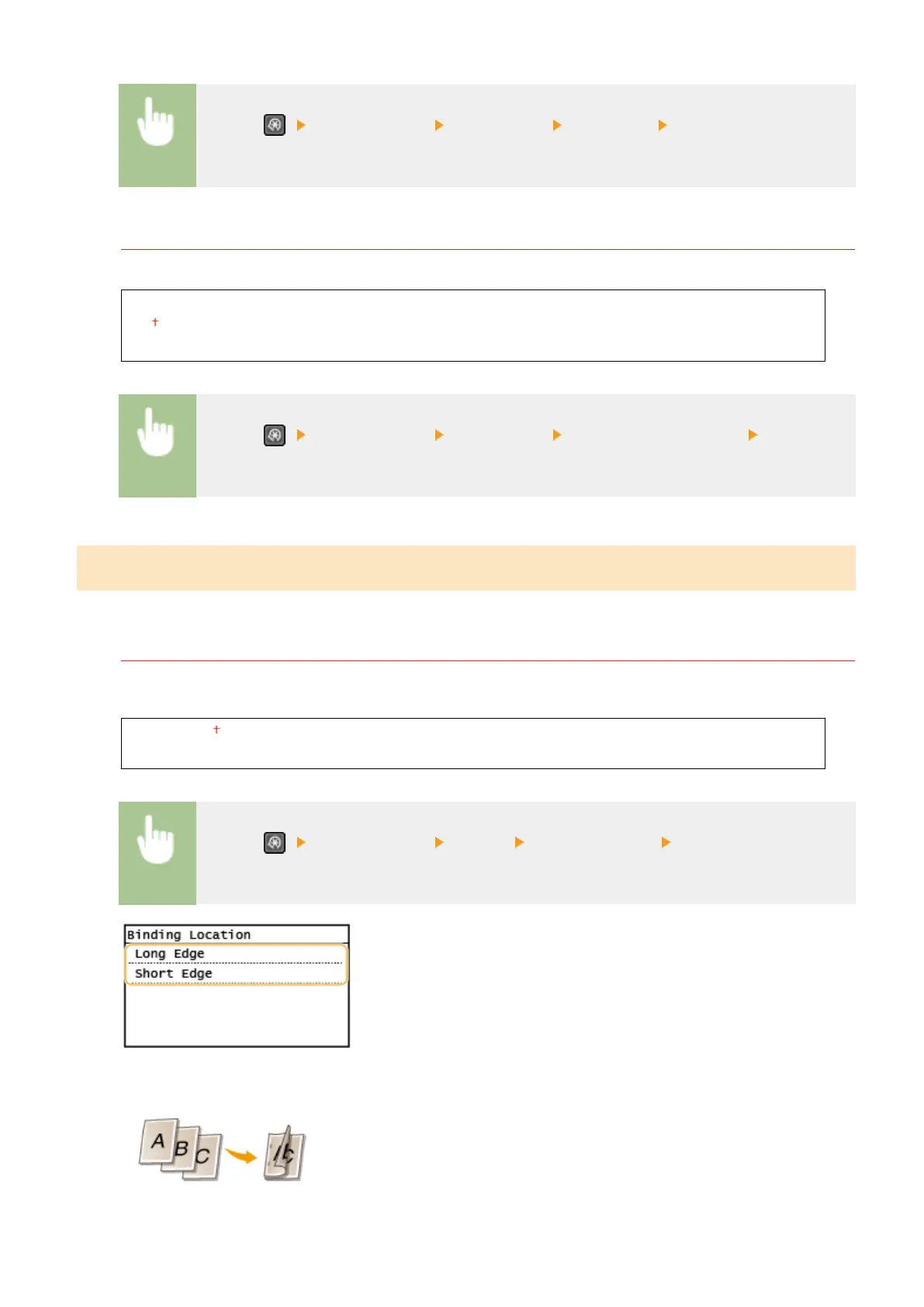
<Binding Location>
If you are binding the printouts with a binding tool such as a stapler, use this item to specify whether to bind on
the long or short edge.
<Long Edge>
<Short Edge>
<Menu> ( ) <Printer Settings> <Layout> <Binding Location> Select <Long Edge> or
<Short Edge>
<Long Edge>
Specify this to bind on the long edge of paper.
<Short Edge>
Setting Menu List
408











 To Next Page