Conguring Initial Settings for Fax Functions
2KUS-018
Follo
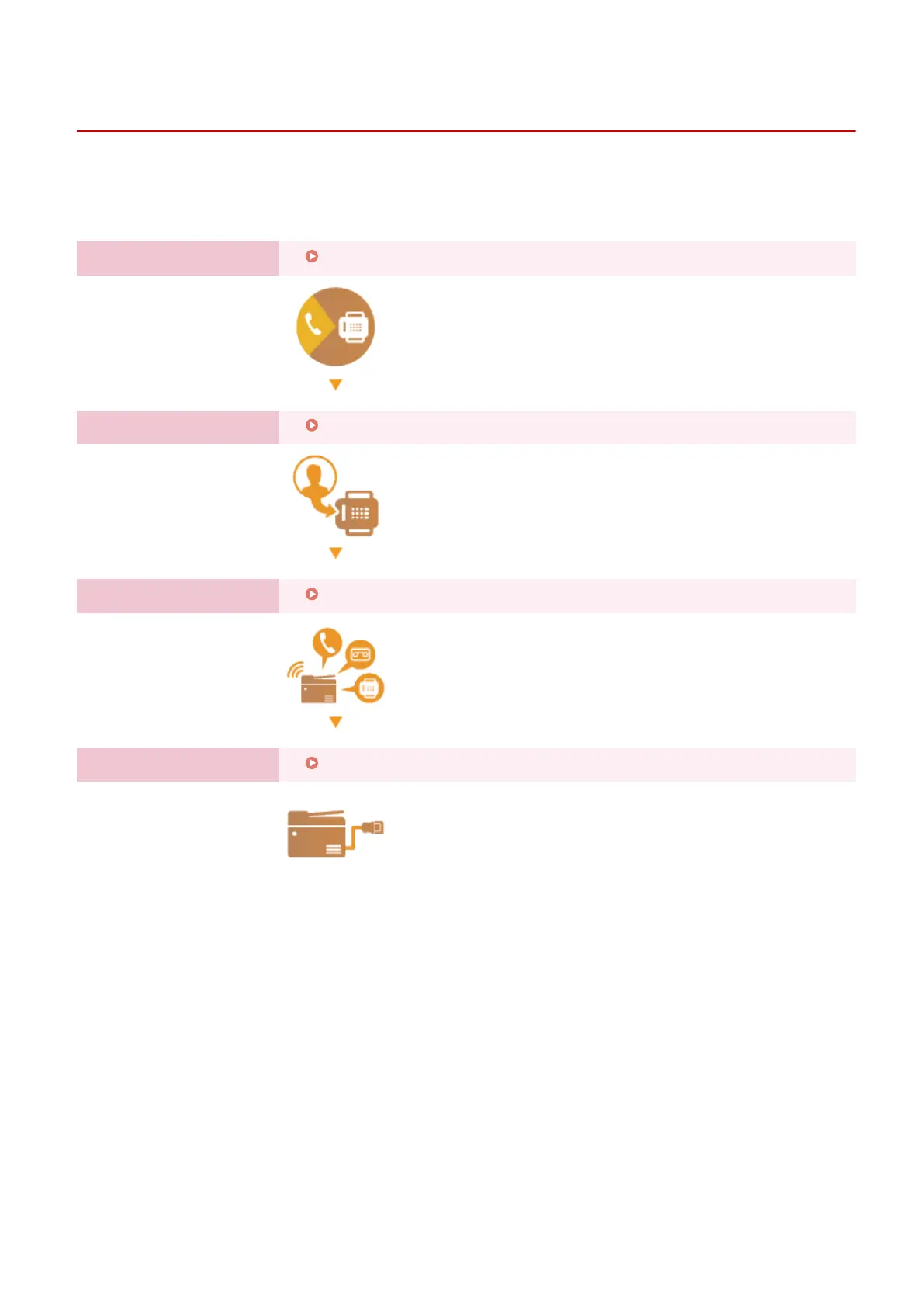
w steps 1 to 4 described below to congure the fax settings. First, determine which receive mode best suits your
intended use, and then follow the on-screen instructions to congure the settings. For more information about a
particular step, click on the link to go to the corresponding section.
Step 1
Deciding Which Fax Receive Mode to Use(P. 71)
Step 2
Registering the Fax Number and Unit Name(P. 72)
Step 3
Selecting the Receive Mode(P. 73)
Step 4
Connecting the Telephone Line(P. 74)
Setting Up
70











 To Next Page