<Use as USB Device>
Enable or disable the USB port that is used for connecting the machine to a computer. Restricting the USB
Connection with a Computer
(P. 330)
<Off>
<On>
<Enable Product Extended Survey Program>
Enable or disable the Pr
oduct Extended Survey Program (a program for the machine usage survey).
<Off>
<On>
<Menu> ( ) <System Management Settings> <Enable Product Extended Survey
Pr
ogram>
Select <Off> or <On>
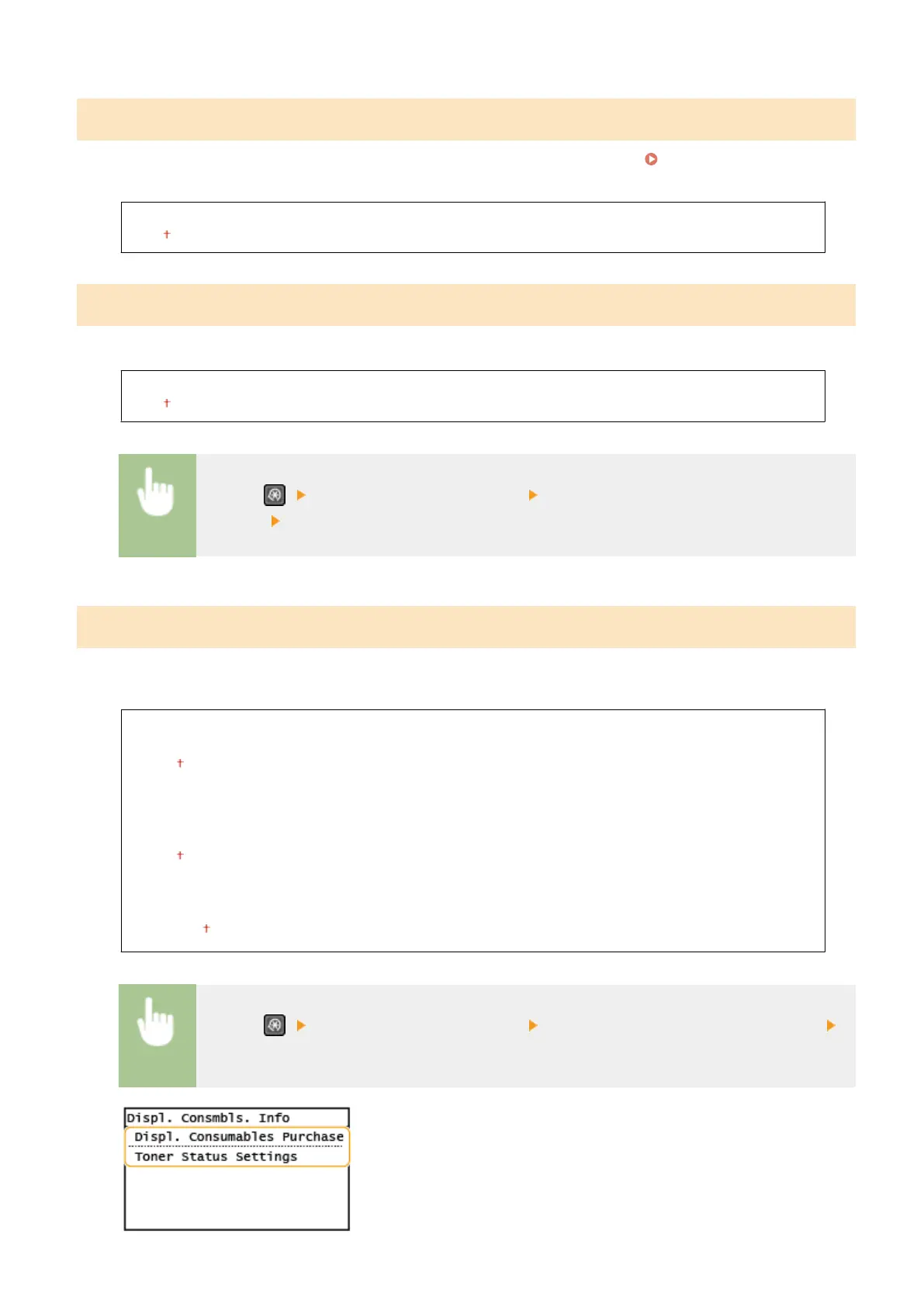
<Displ. Consmbls. Info (RUI/Toner Status)>
Set whether to display a button in the Remote UI or T
oner Status for accessing the Web site for purchasing toner
cartridges, etc. Also set whether to use Toner Status.
<Displ. Consumables Purchase Button (RUI)>
<Off>
<On>
<Toner Status Settings>
<Off>
<On>
<Displ. Purchase Button>
<Off>
<On>
<Menu> ( ) <System Management Settings> <Displ. Consmbls. Info (RUI/Toner Status)>
Specify the settings
Setting Menu List
426











 To Next Page